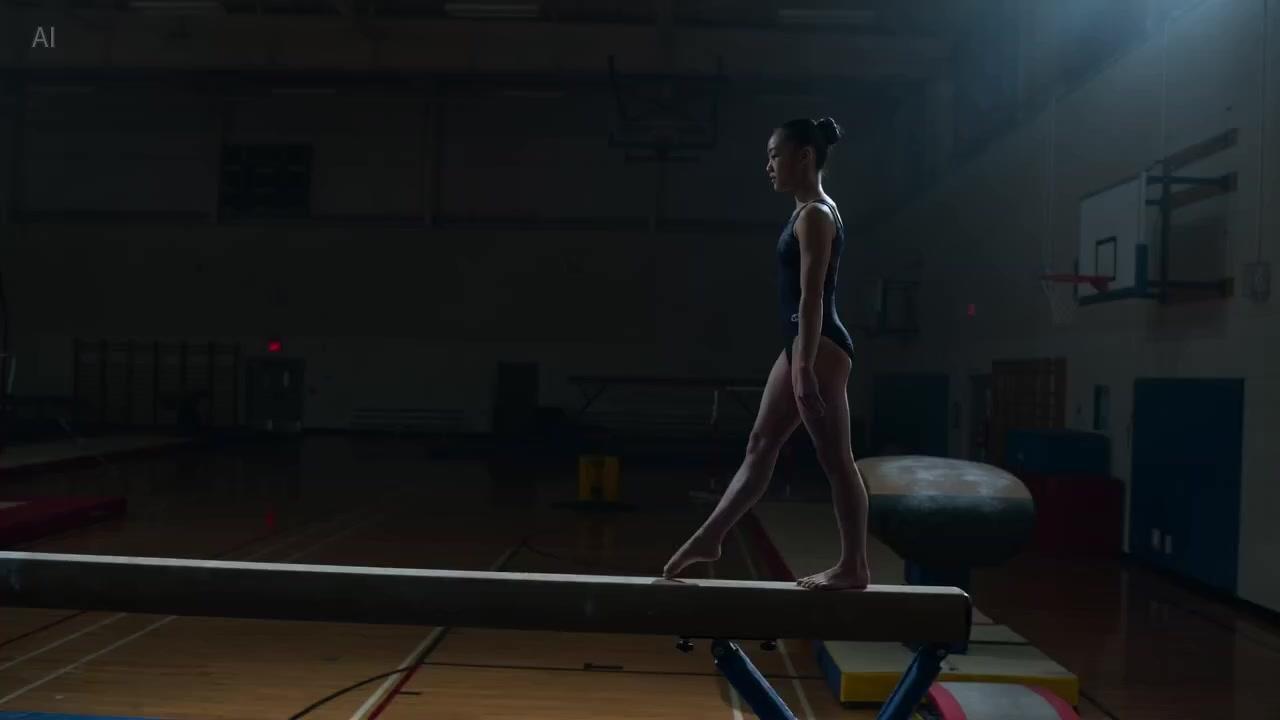
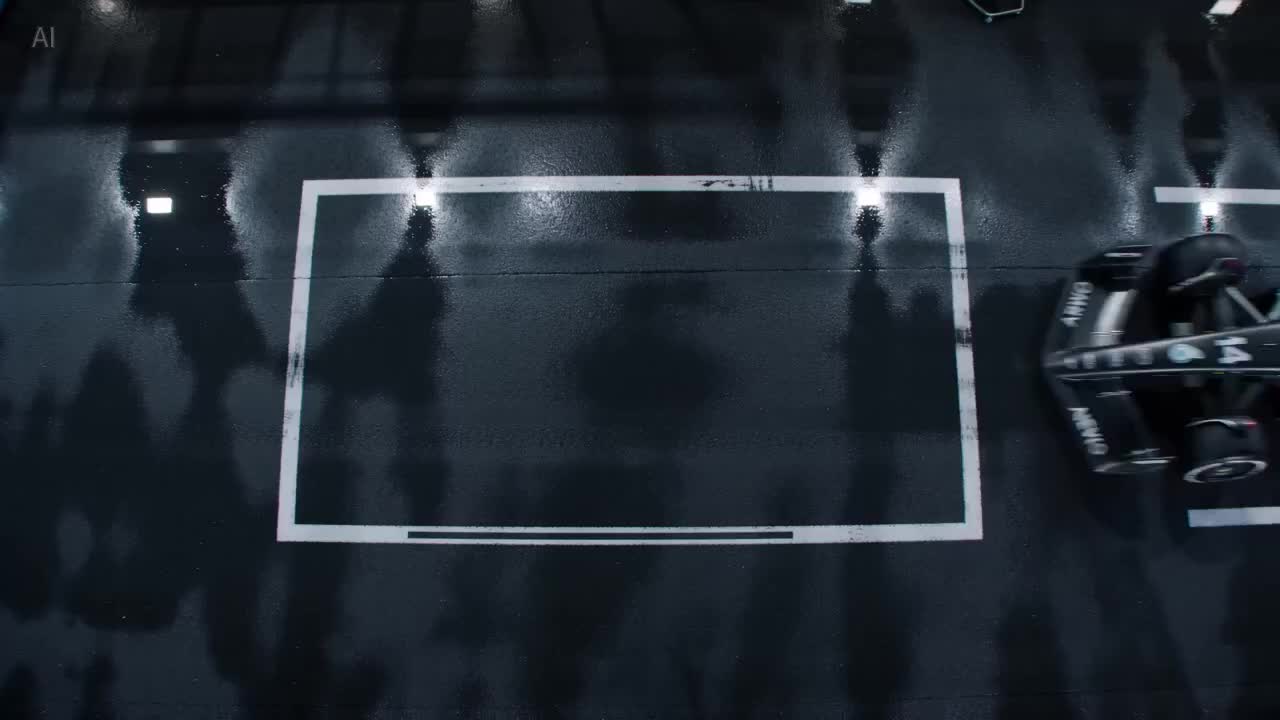
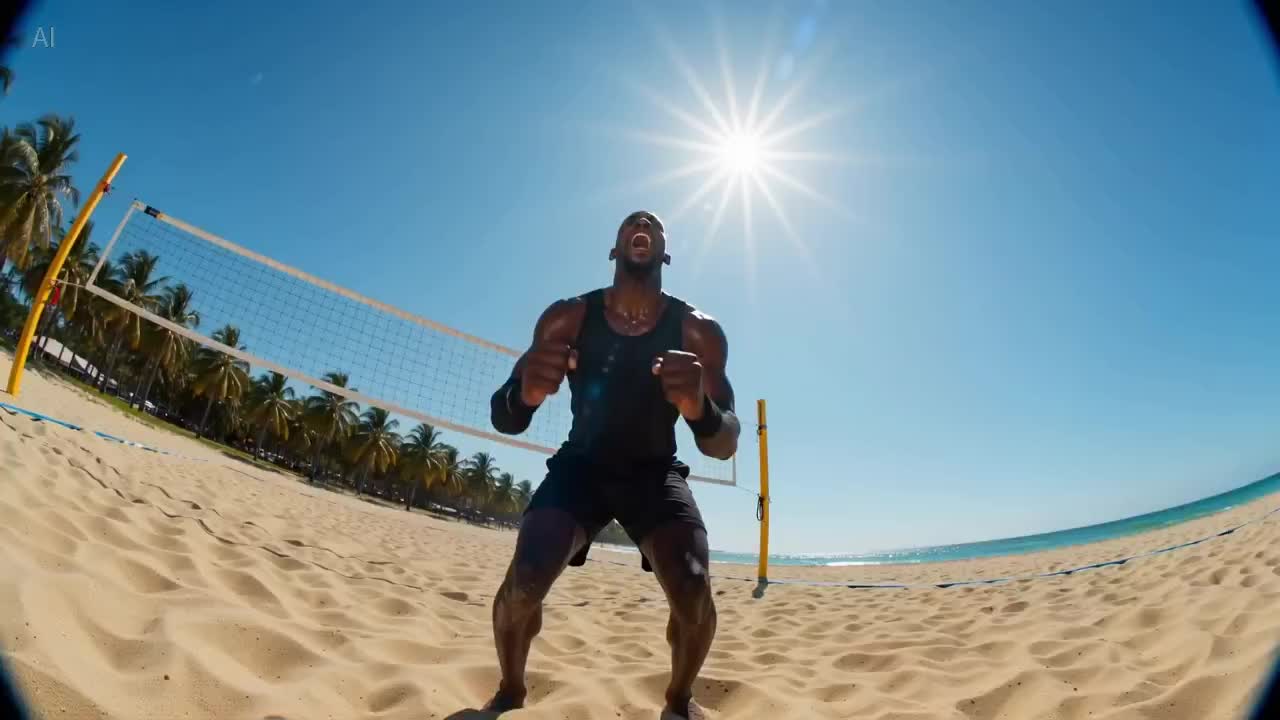
Faster batch-iterated takes
Suited to running multiple rounds of composition and pacing checks in a day. Use Mini first to filter out clearly unqualified shots, then upgrade the ones that pass.
ByteDance · Seedance 2.0 Mini
Seedance 2.0 Mini is a lightweight tier within the Seedance 2.0 family. It's built for faster batch iteration with relatively loose spec requirements — drafts and previews for validating whether composition, camera work, and pacing hold up, before moving approved options to Seedance 2.0 or Seedance 2.5 for finished-clip polish. Well suited to storyboard takes, internal review, and screening large numbers of candidate shots. Select Seedance 2.0 Mini in the iMini video workspace to use it.
Suited to running multiple rounds of composition and pacing checks in a day. Use Mini first to filter out clearly unqualified shots, then upgrade the ones that pass.
Prompt and reference habits carry over to Seedance 2.0 / 2.5. Once a take passes, you don't need to rewrite the whole prompt set to upgrade.
When resolution and max clip length aren't extreme requirements, run structure checks on Mini first. Especially suited to internal review and building a library of candidate shots.
For narrative-clip final cuts, move to Seedance 2.0 first; when you need a ~30-second single pass or a larger reference scale, move up to Seedance 2.5.
All part of the Seedance family. The differences come down to batch-iteration speed, finished-clip spec, and whether you're at the take stage or the final-cut stage.
| Dimension | Seedance 2.0 Mini | Seedance 2.0 | Seedance 2.5 |
|---|---|---|---|
| Clip length | Short preview tier | Common few-second to ten-second-class range | ~30s native single-pass |
| Resolution | Preview-oriented tier | HD / higher tiers | HD tiers available |
| Native audio | See workspace | See workspace | See workspace |
| Multimodal refs | Text / image (by tier) | Text · image · audio-visual multi-reference | Full-modality, multi-reference (official ~50) |
| Motion & physics | Prioritizes validating composition & pacing | Prioritizes narrative consistency | Prioritizes consistency over longer passages |
| Prefer when | Drafts, quick takes, and option screening | Brand ads and narrative-clip final cuts | Generating a full ad segment / short-drama beat in one pass |
You need fast multi-round takes to validate whether composition and pacing hold up.
A take has passed and you're ready for a brand ad or narrative-clip final cut.
You need a longer single pass or a larger reference scale to tell a beat in one go.
Three steps from opening the workspace to exporting a preview.
Go to iMini video creation and select Seedance 2.0 Mini.
Describe the shot intent clearly first; once it passes, carry the same prompt set to a higher tier.
Export once the preview passes, or move to Seedance 2.0 / 2.5 for final polish.
Quotas, positioning, and upgrade paths.
Fast takes, then upgrade for final polish. Open the video workspace to use it — no separate vendor API key needed.
No separate vendor API key needed.