
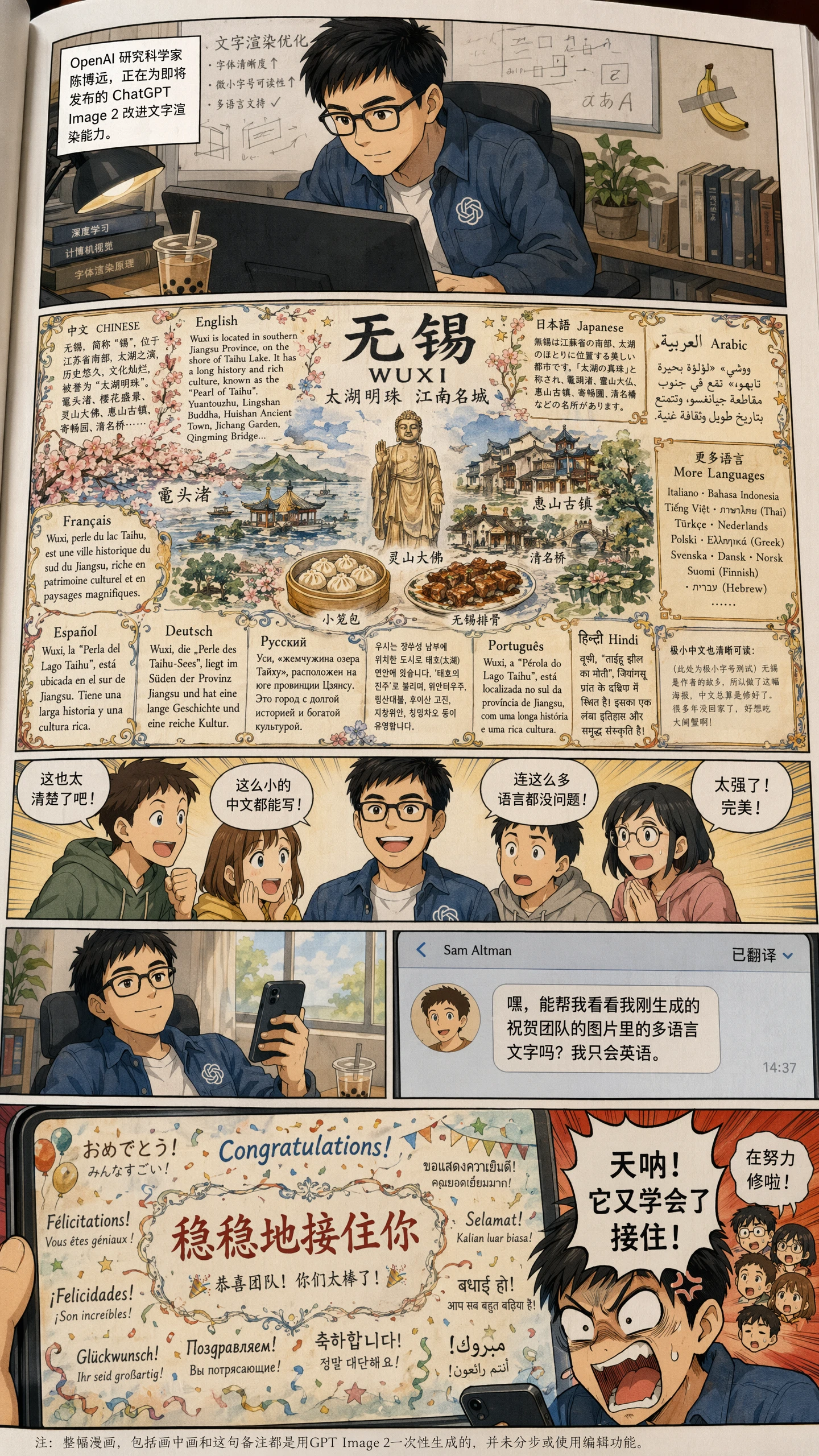
Precise in-image text
Typography and layouts ready to deliver
Create posters, packaging, UI mockups, signage, and multilingual ads with clear glyphs, readable hierarchy, and stable composition.
OpenAI · ChatGPT Images 2.0 · April 21, 2026
Posters, product shots, packaging, and multilingual campaigns—create precise text, stable layouts, and commercial-grade 4K visuals in one workflow.
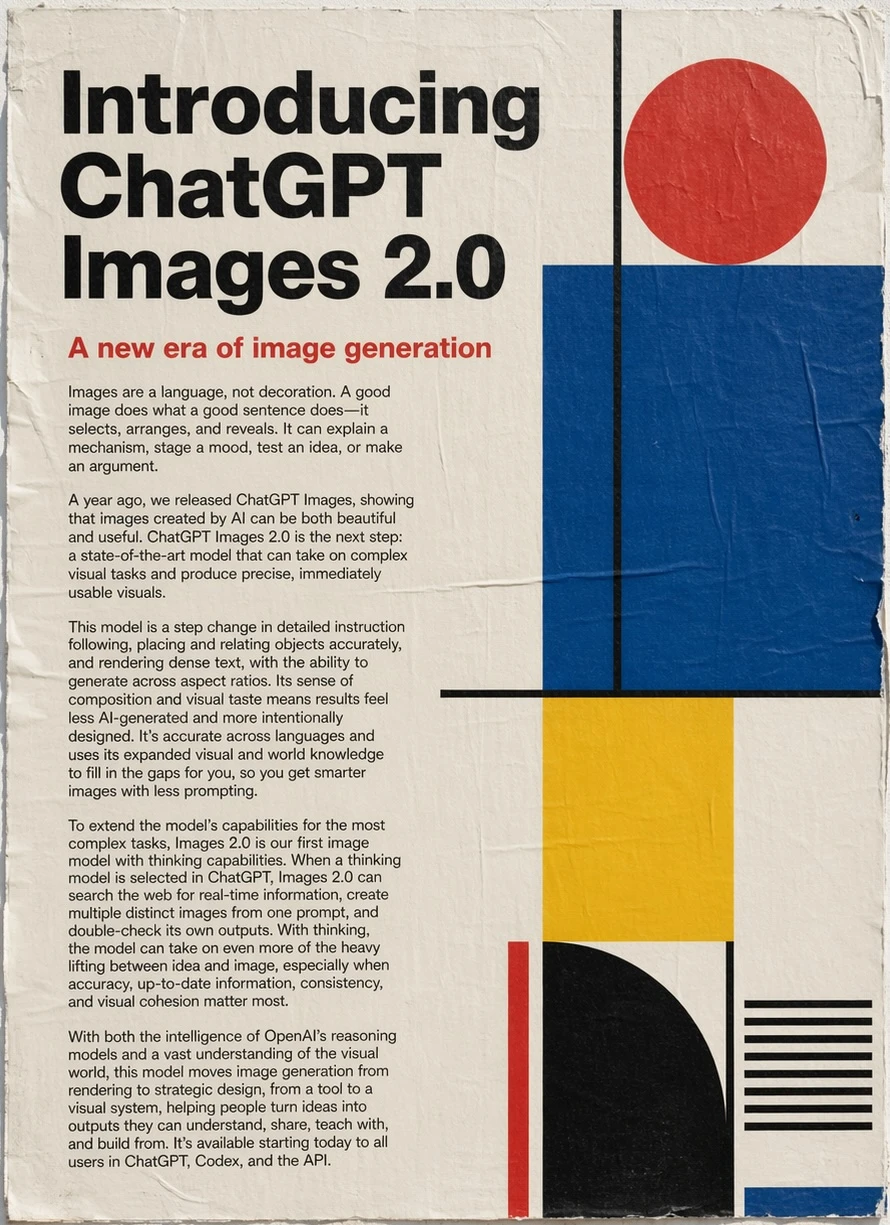
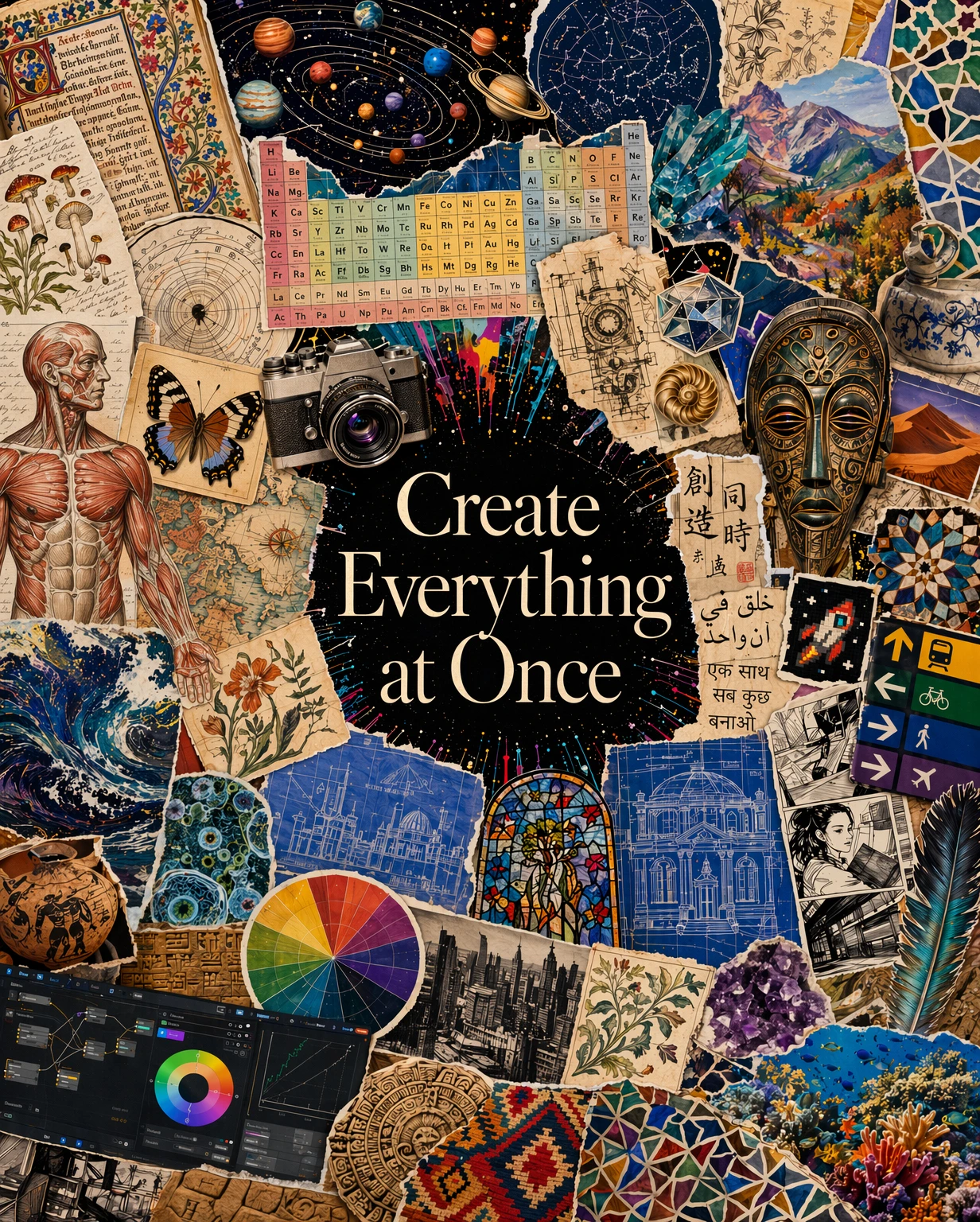
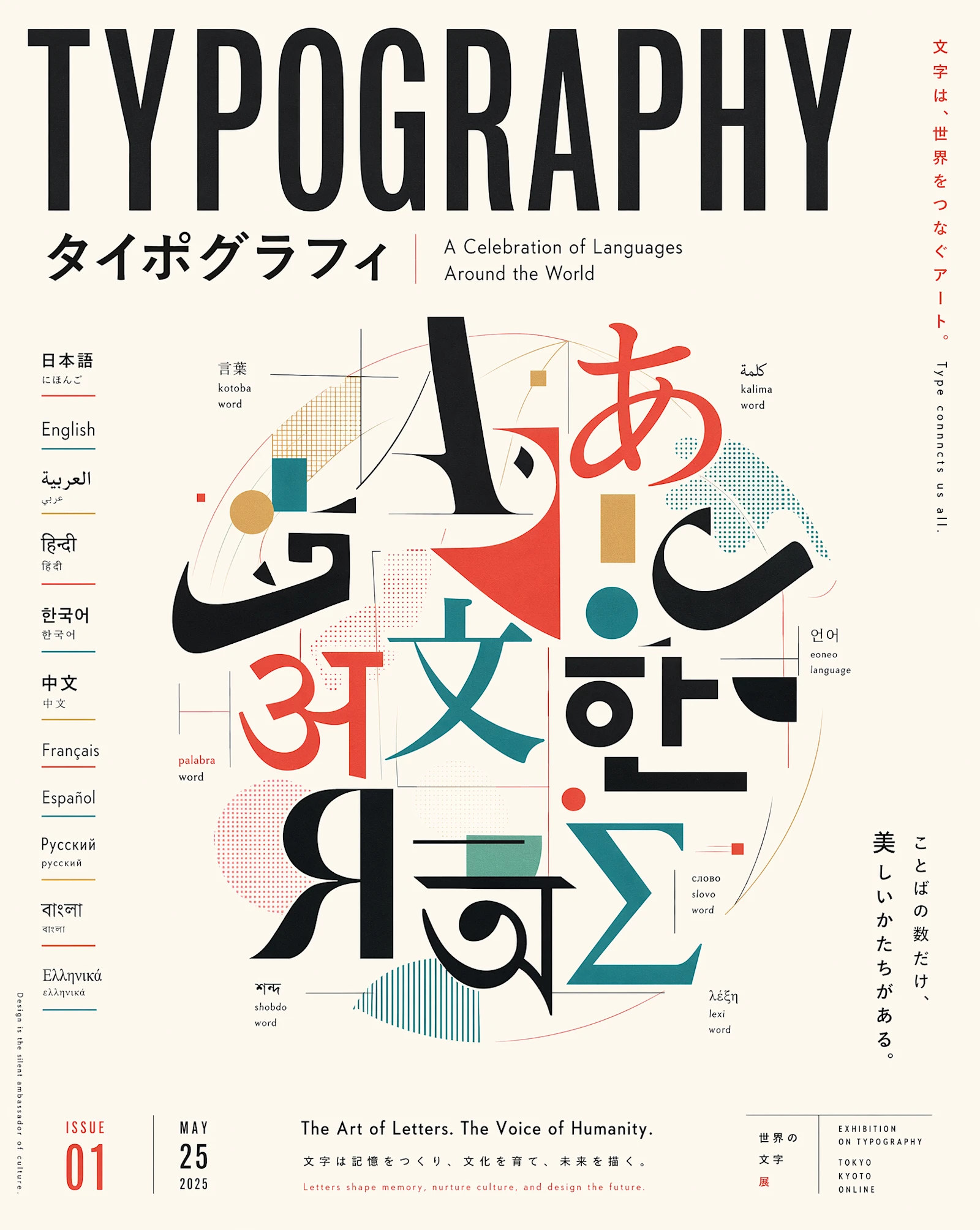
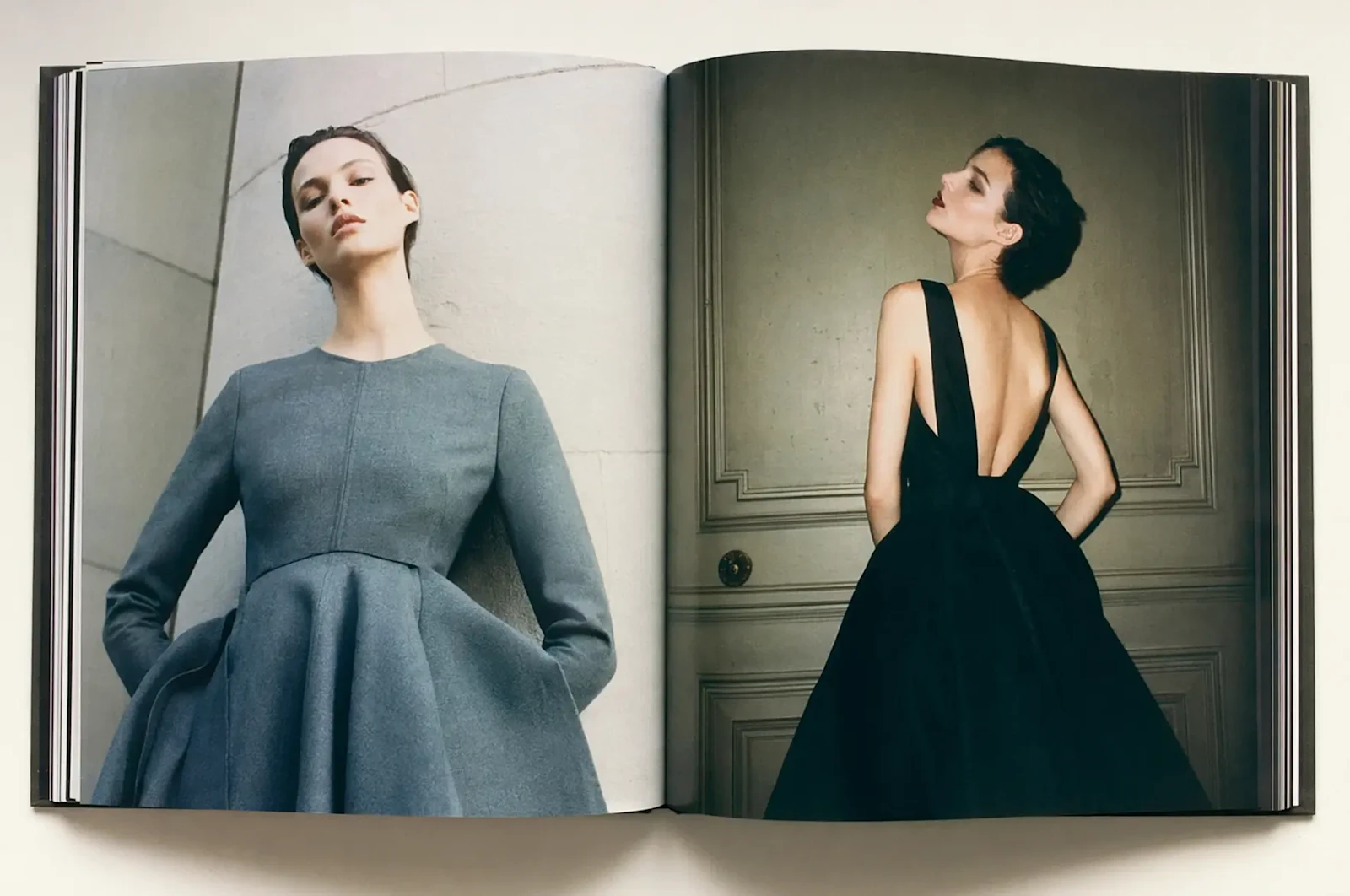
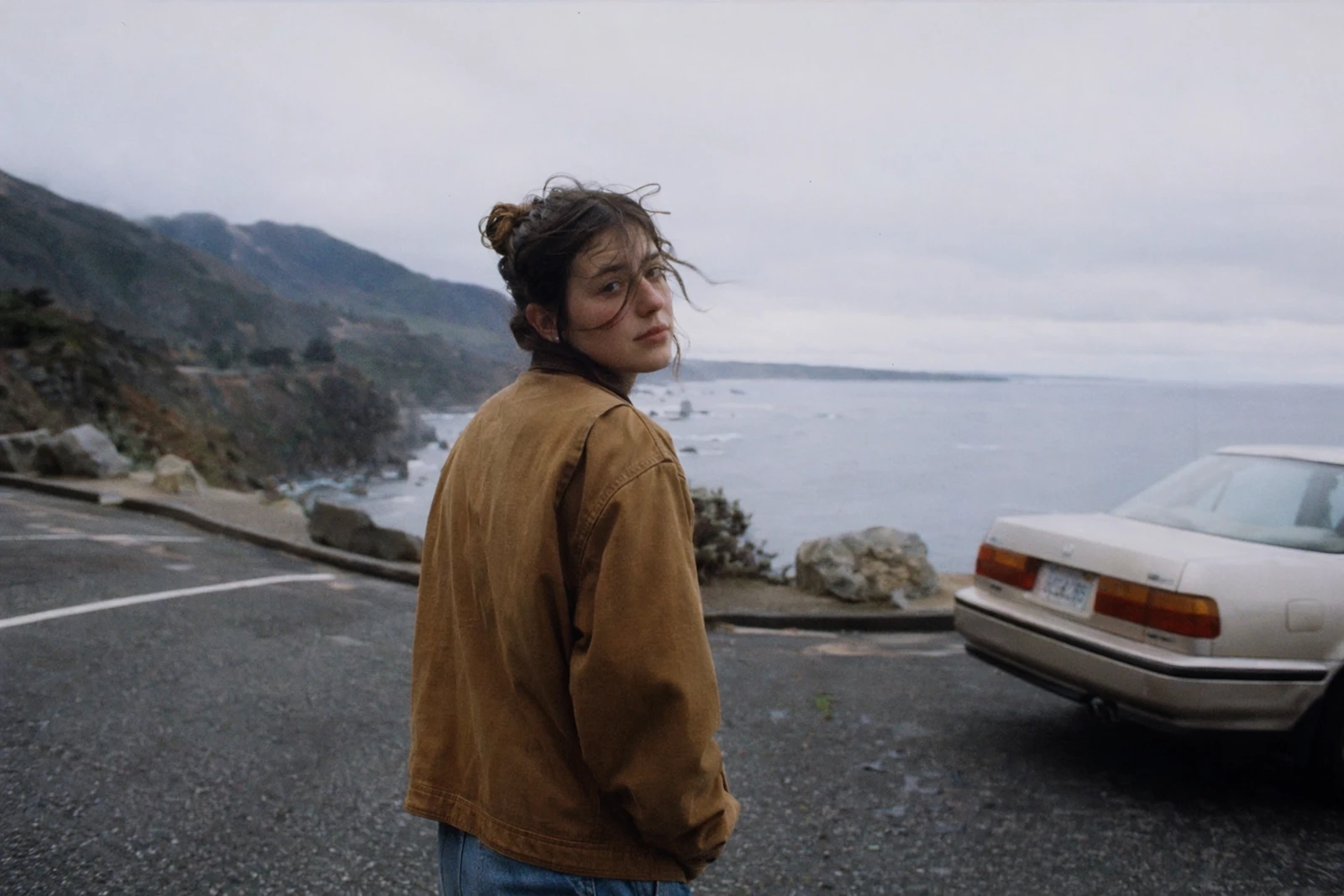
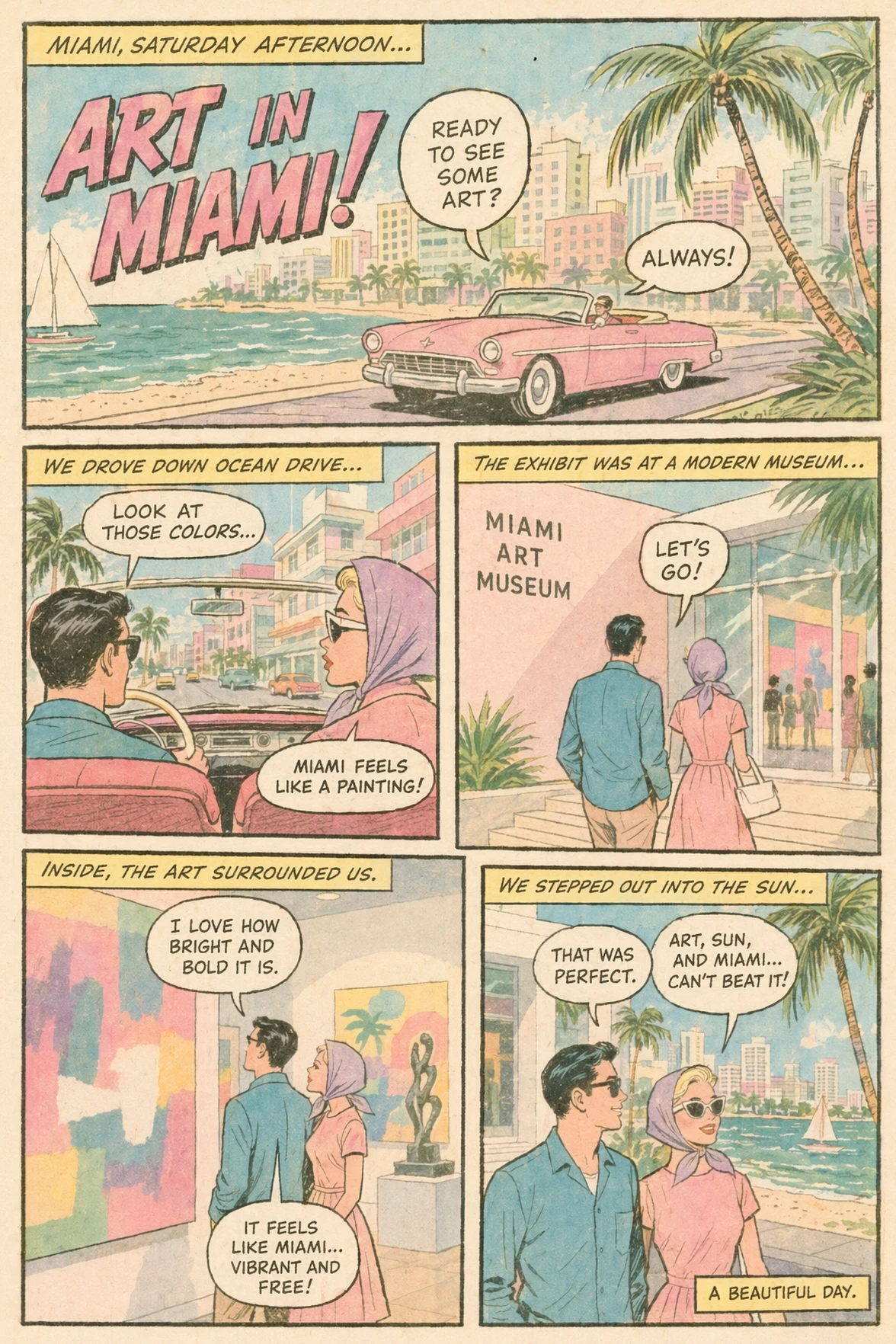
Multilingual posters, comic panels, brand ads, photoreal photography — each from a single prompt.
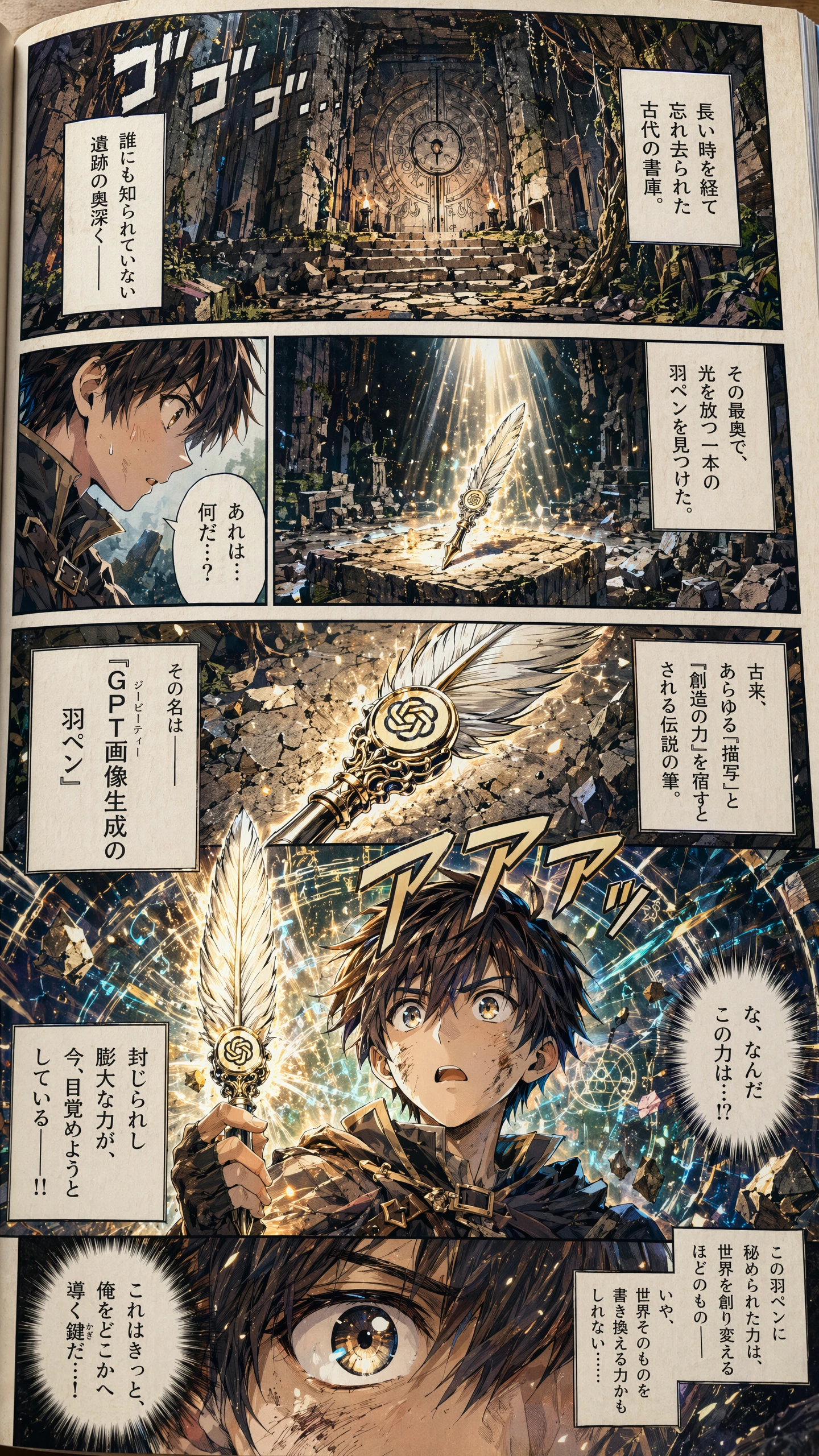
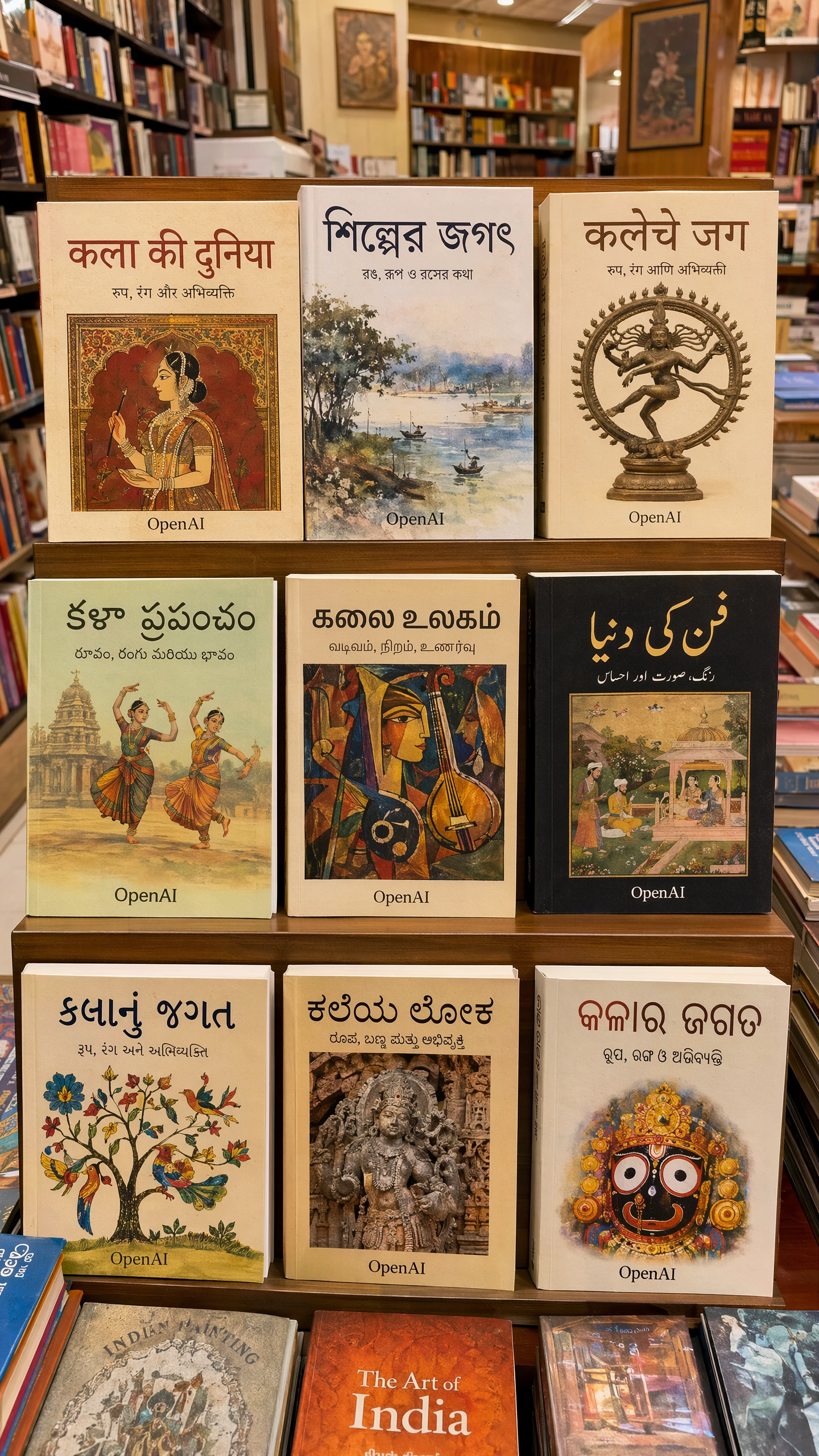
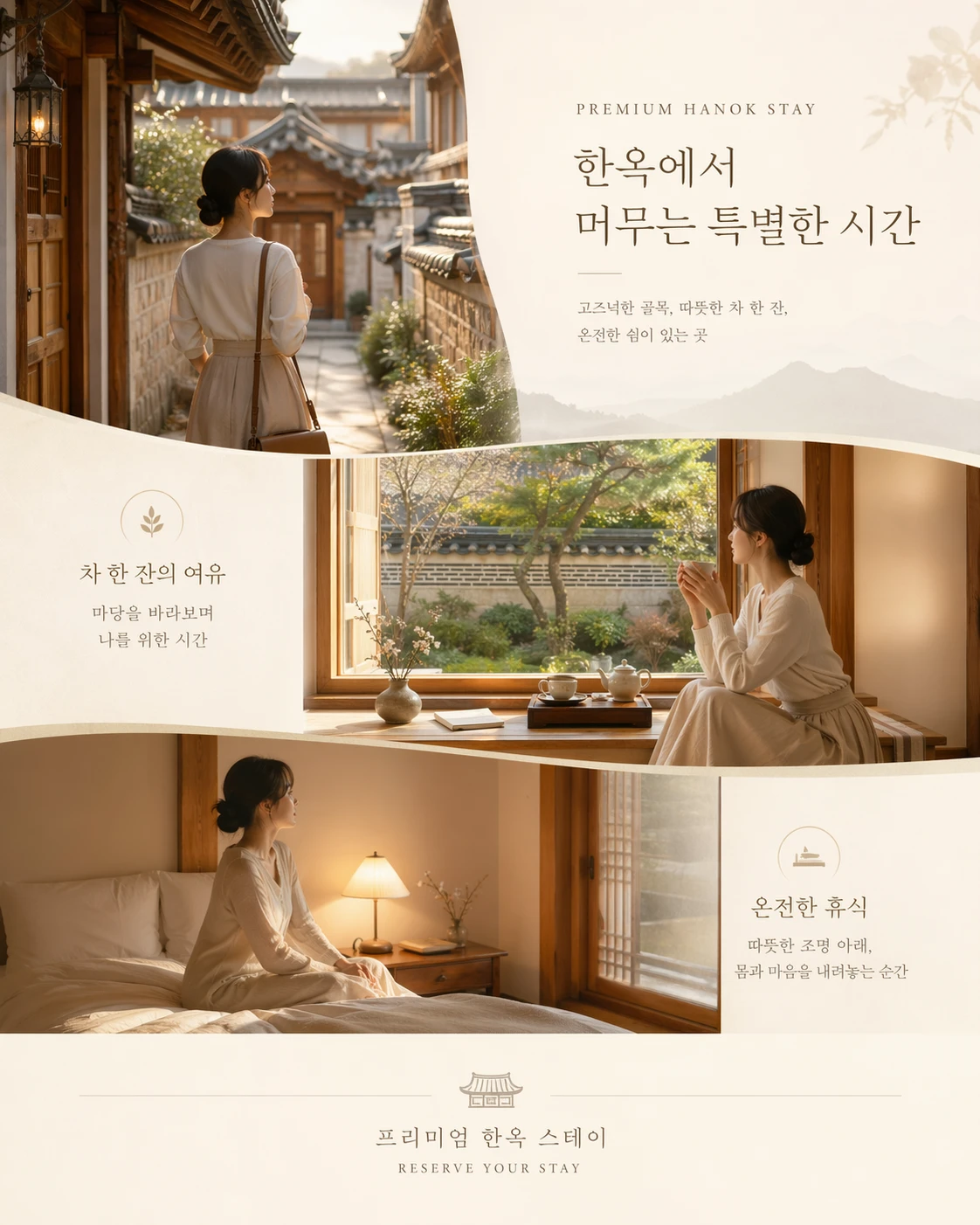
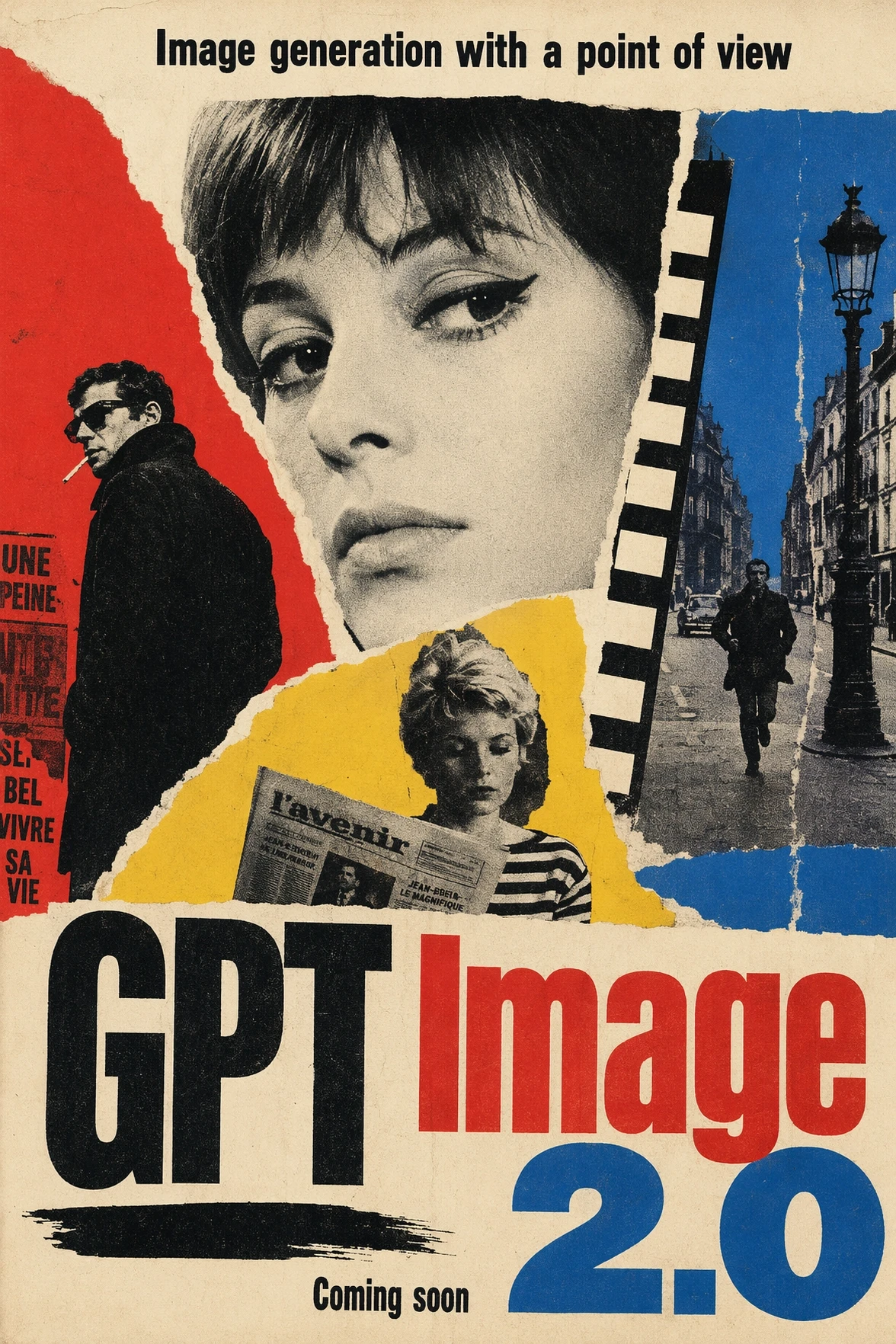
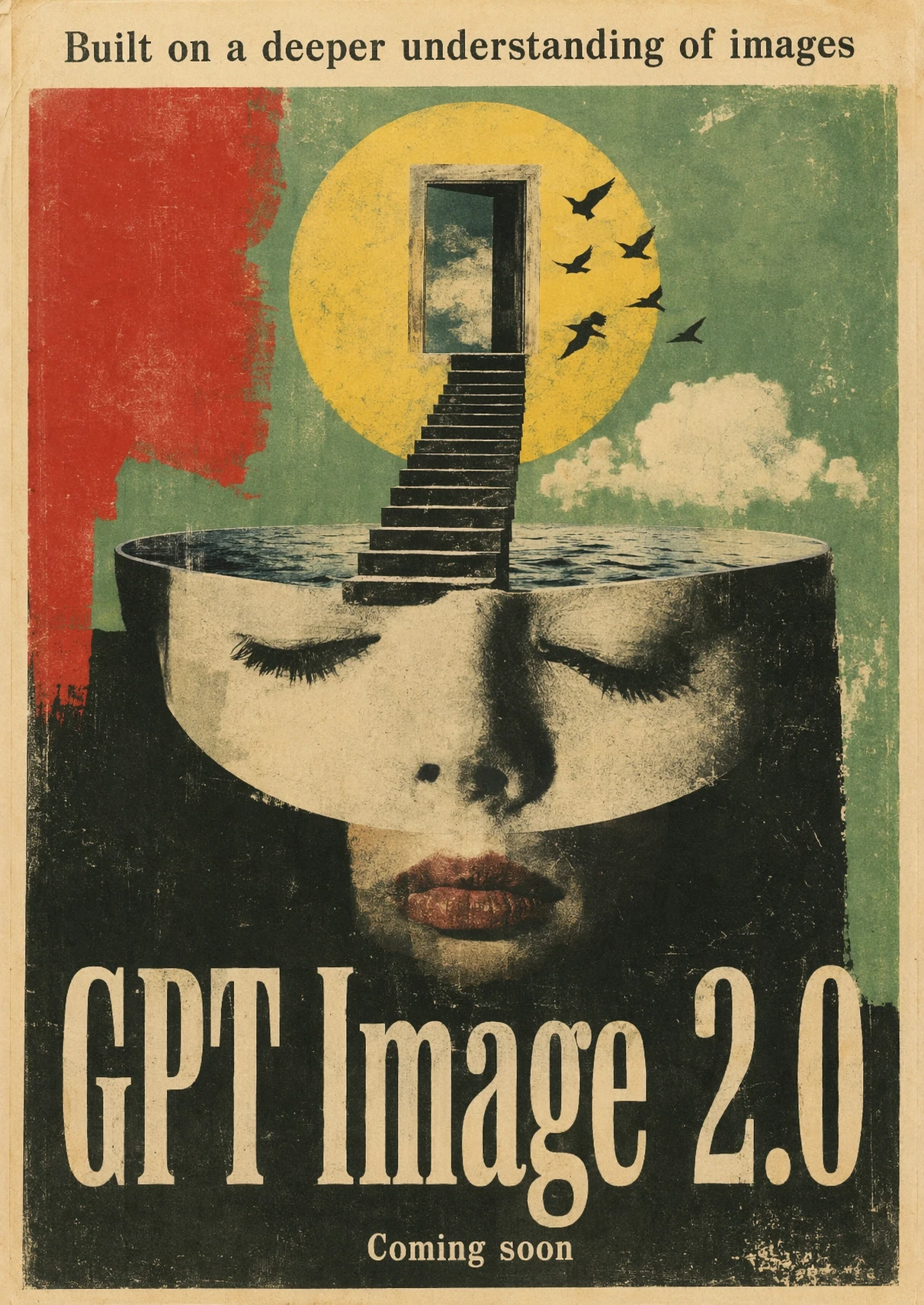
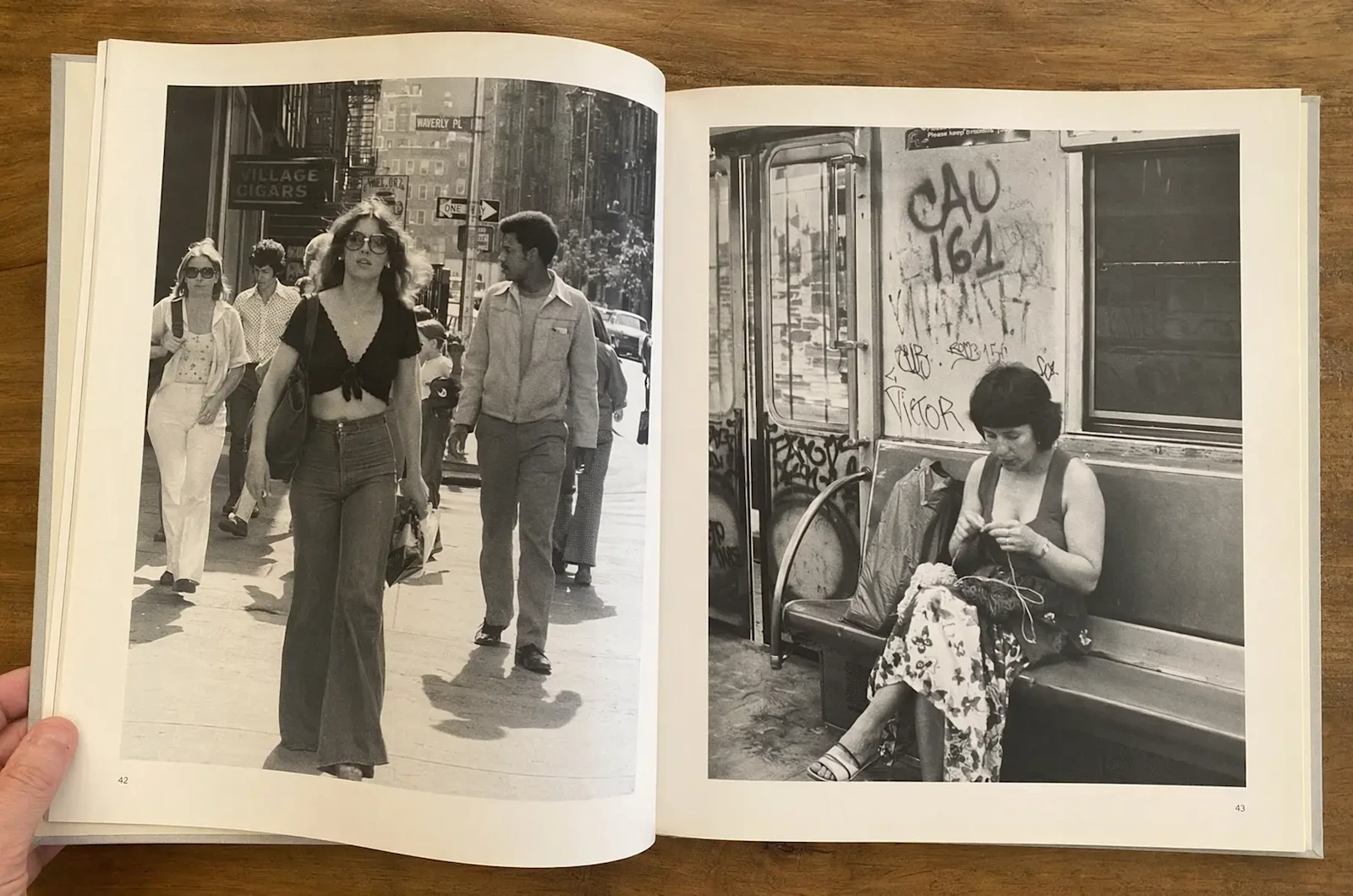
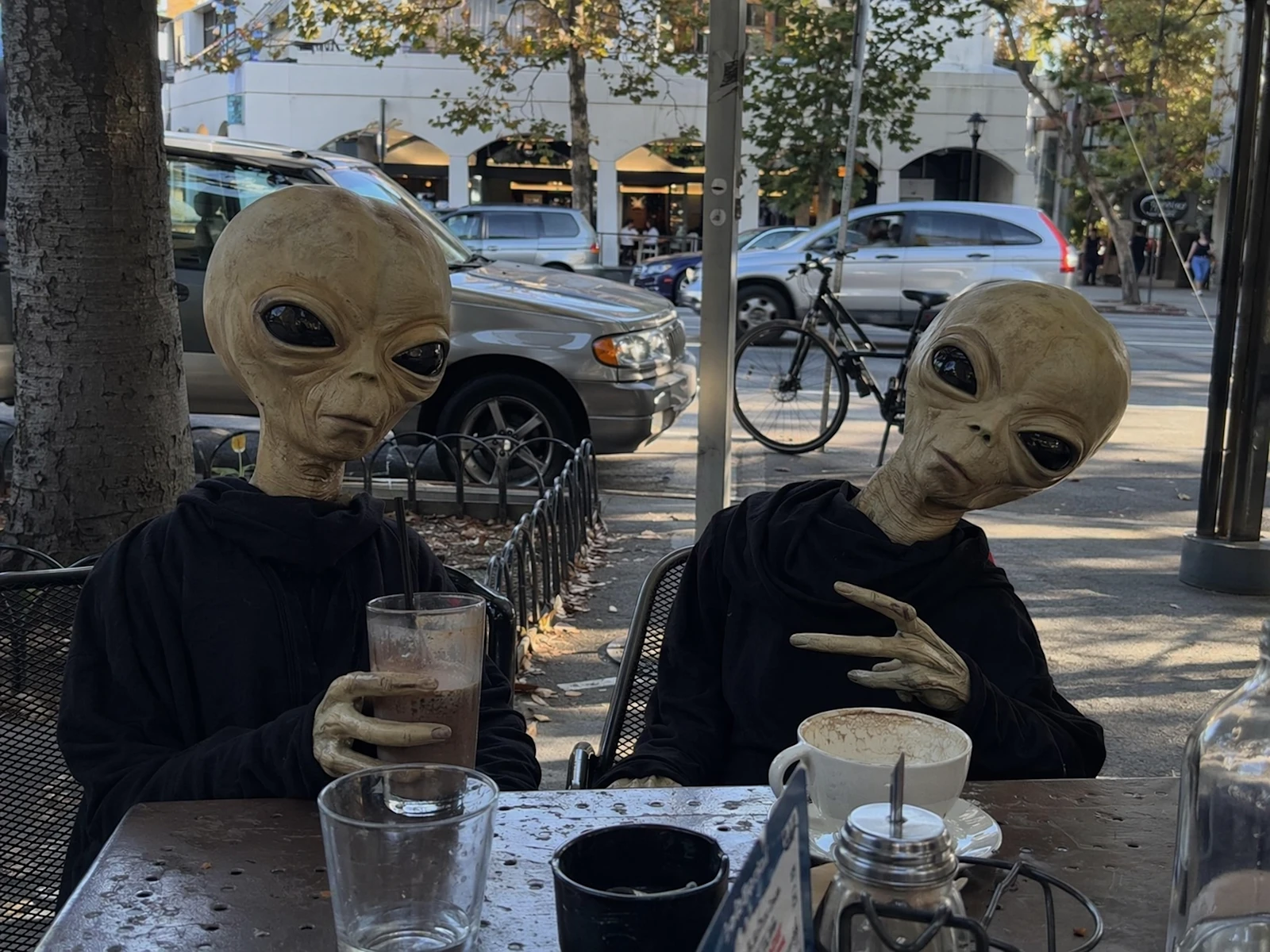
Three capabilities that matter when an image has to leave the moodboard and enter a real campaign.
Precise in-image text
Create posters, packaging, UI mockups, signage, and multilingual ads with clear glyphs, readable hierarchy, and stable composition.
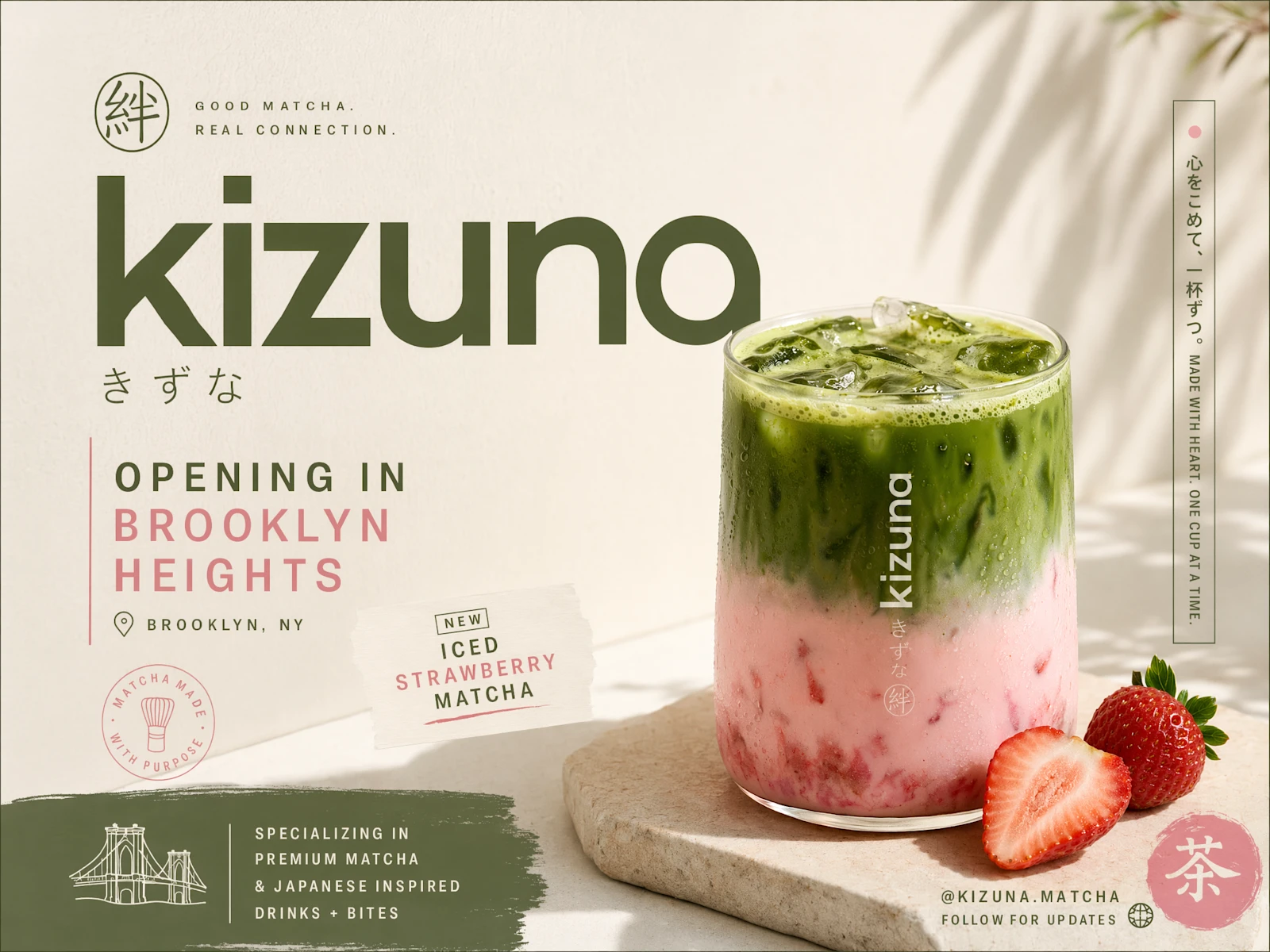
Commercial-grade 4K
Render natural light, convincing materials, and high-fidelity product scenes, then export up to 4K for ads, storefronts, and presentations.
High-fidelity editing
Use a reference image and iterate without rebuilding the whole scene—preserve identity, product form, and key visual details across revisions.
Enter the iMini image workspace and select GPT Image 2 — same account as your other models.
Follow OpenAI’s structure: scene → subject → detail → constraints. State use case (ad, UI, infographic) so the model matches polish level.
Iterate quality tiers as needed, download finals, or keep editing while holding identity and layout.
From e-commerce heroes to storyboard scripts — jobs that used to need a full studio day now start with one prompt.
Photoreal product scenes and e-commerce heroes — material, light, and first-pass quality cut reshoots and retries.
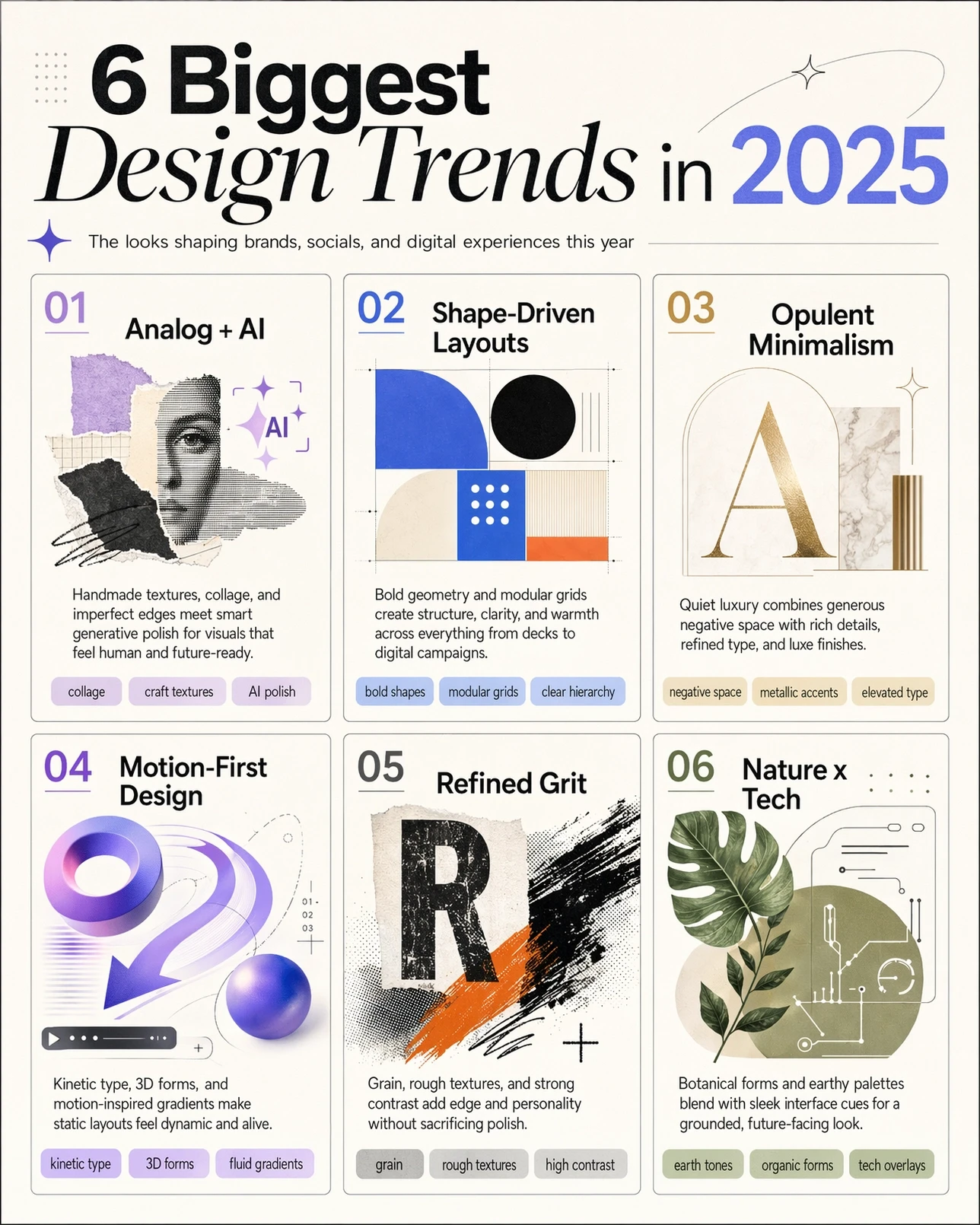
Complex structured visuals — charts, annotated diagrams, multi-column layouts — in-image text must stay readable.
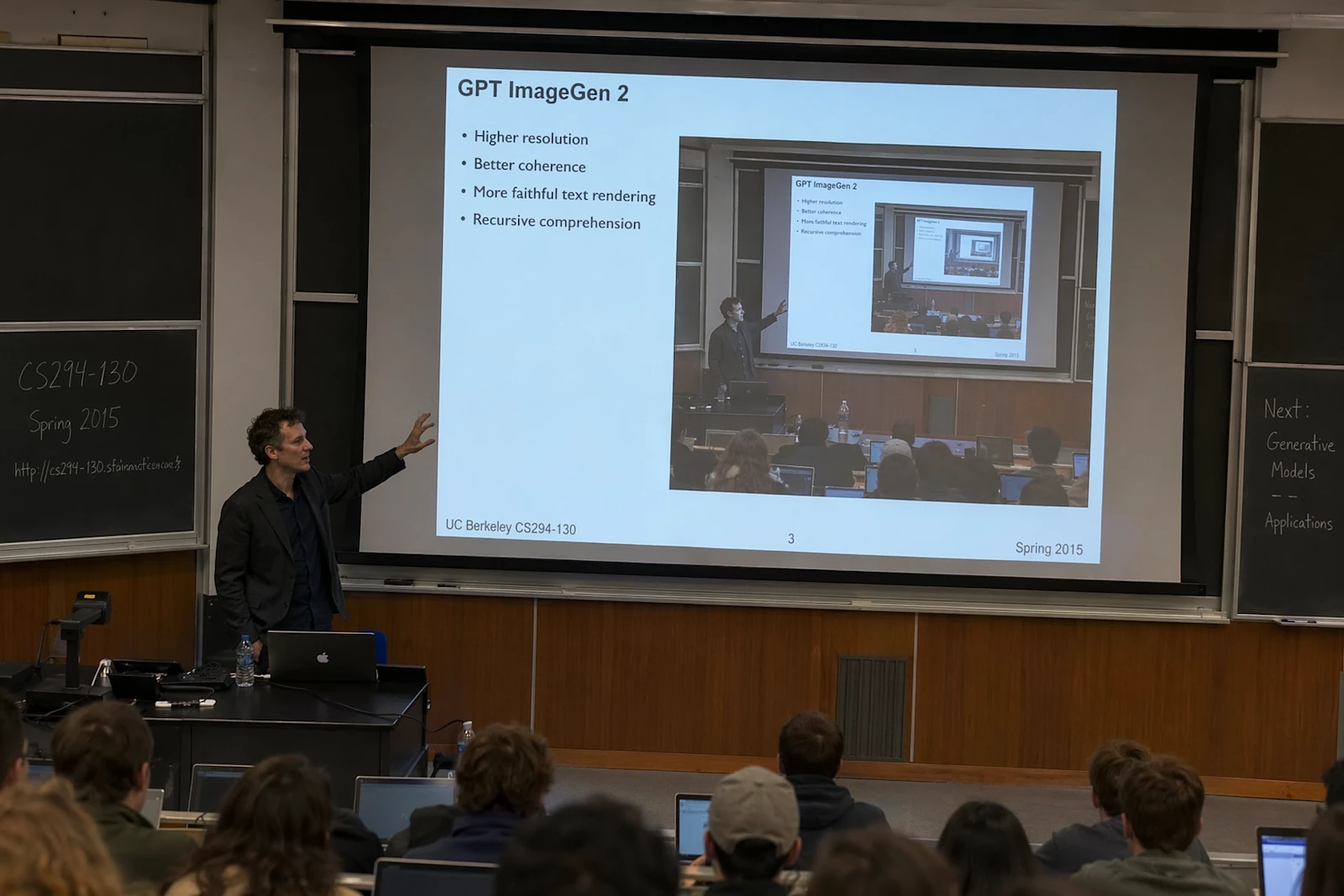
Title slides, chapter art, embedded charts for proposals and product narrative.
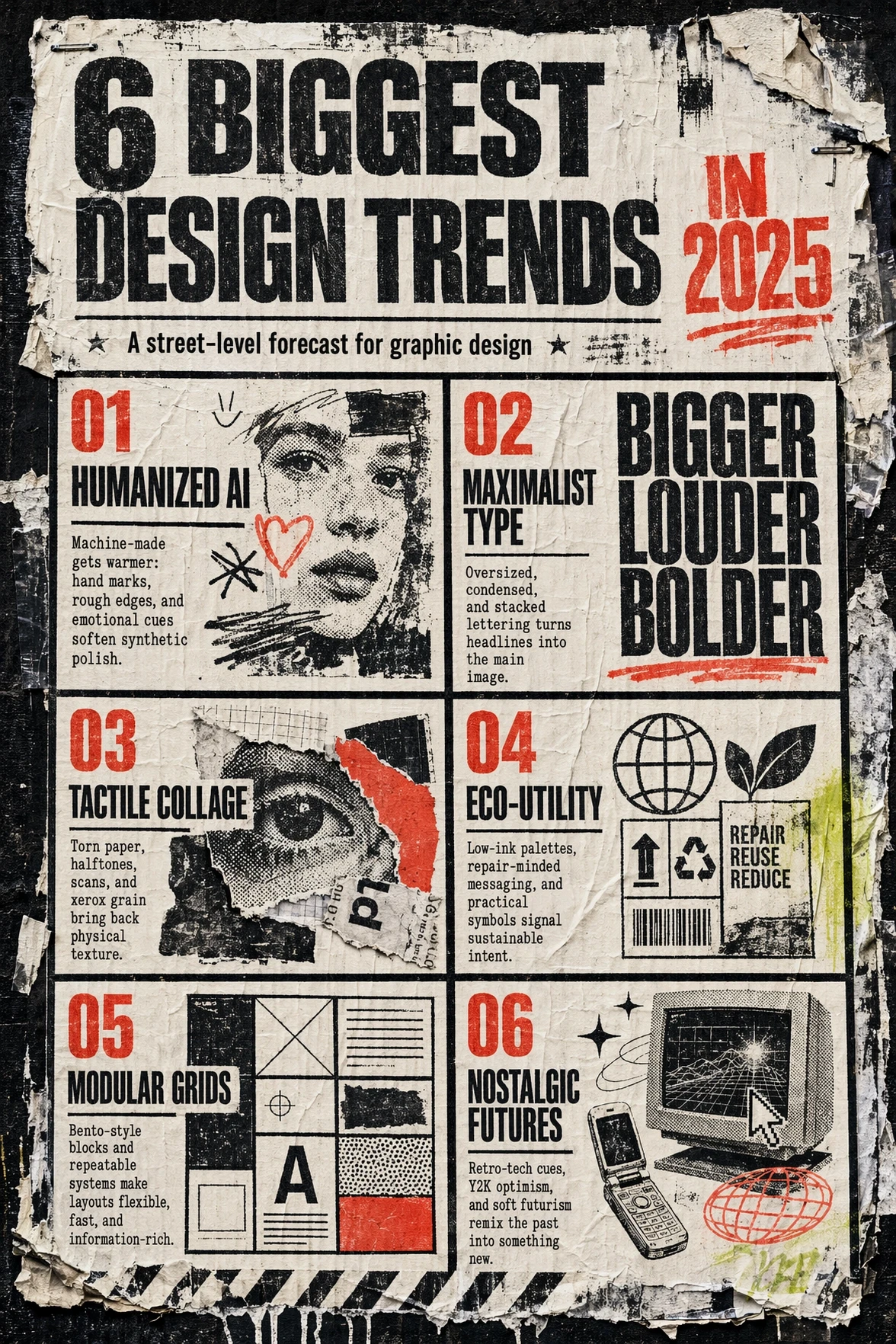
Type-forward marketing layouts — headline hierarchy and contrast matter as much as illustration.
Thinking-grade multi-image from one prompt — storyboards, ad variants, sequential frames.
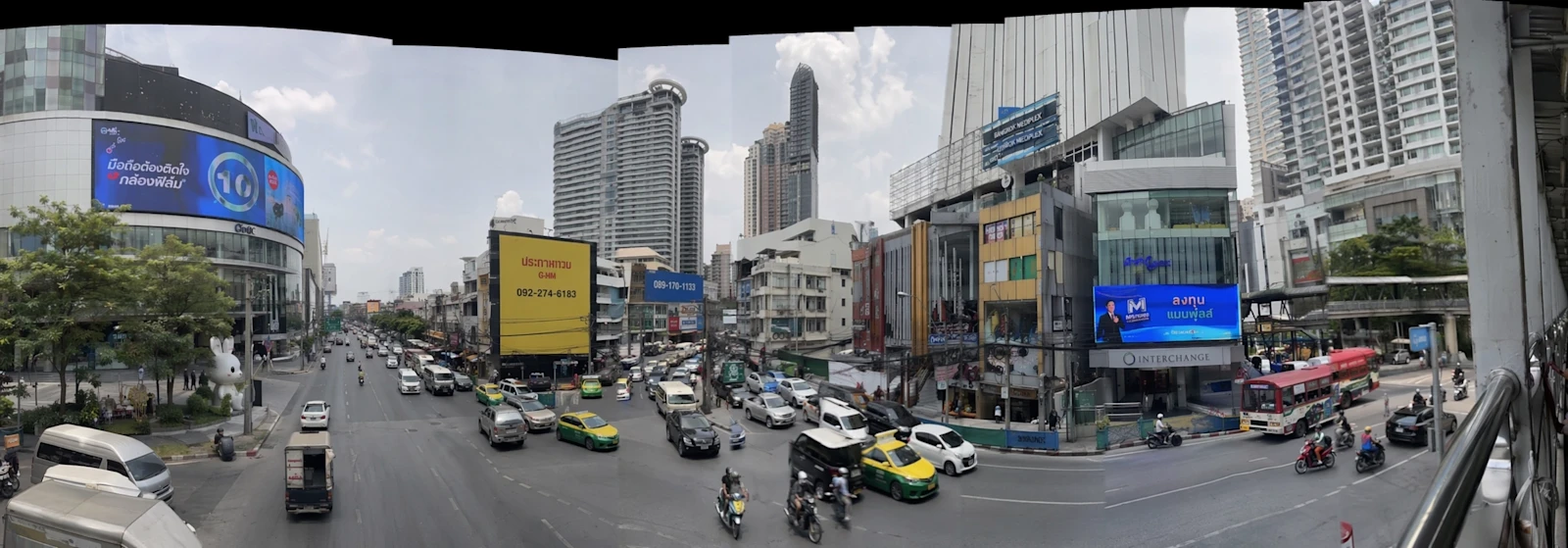
Flexible sizes (within ≤3:1) for feed, story, and banner formats without forced crops.
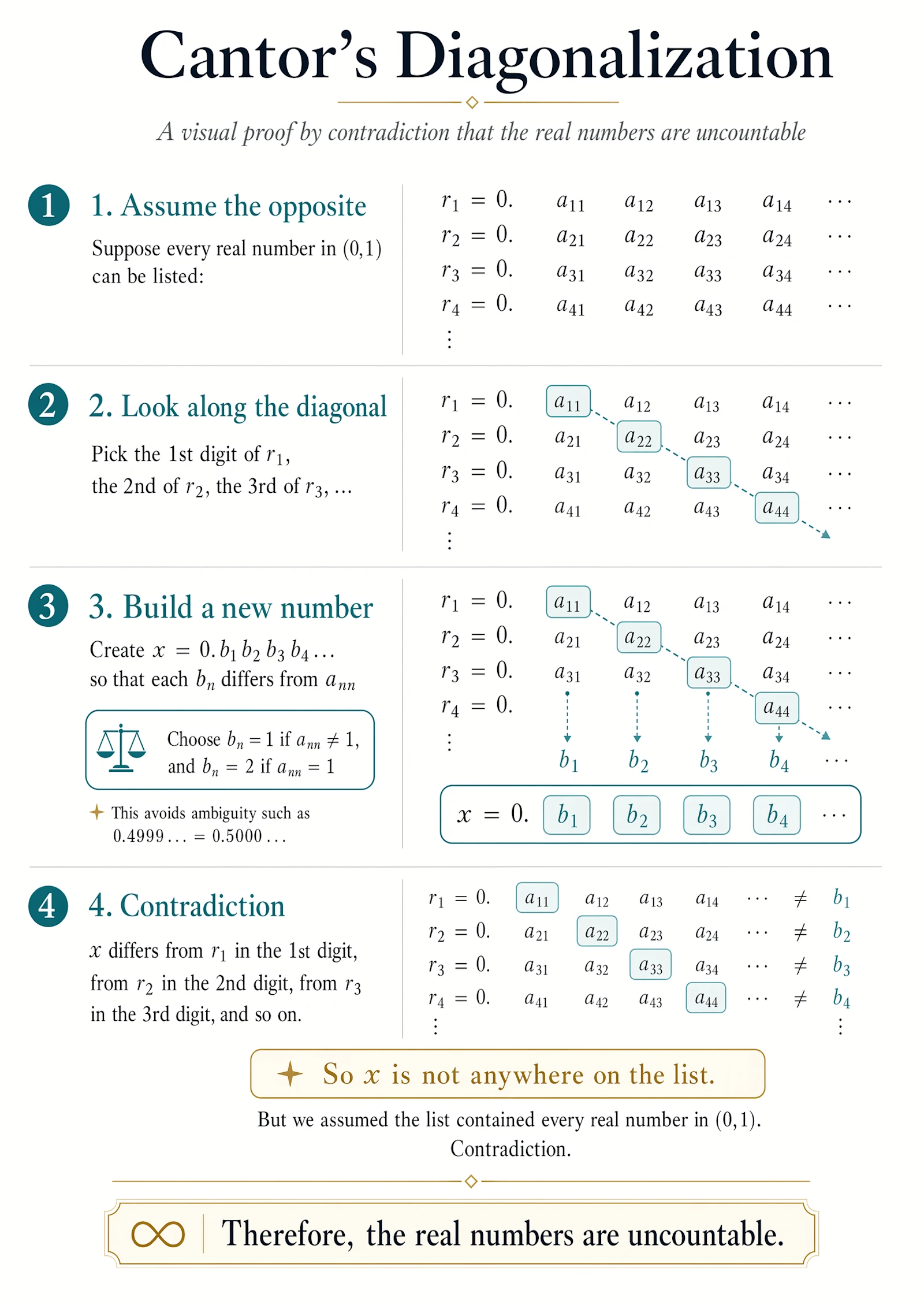
Layout and annotated schematic visuals that benefit from instruction following and dense detail.
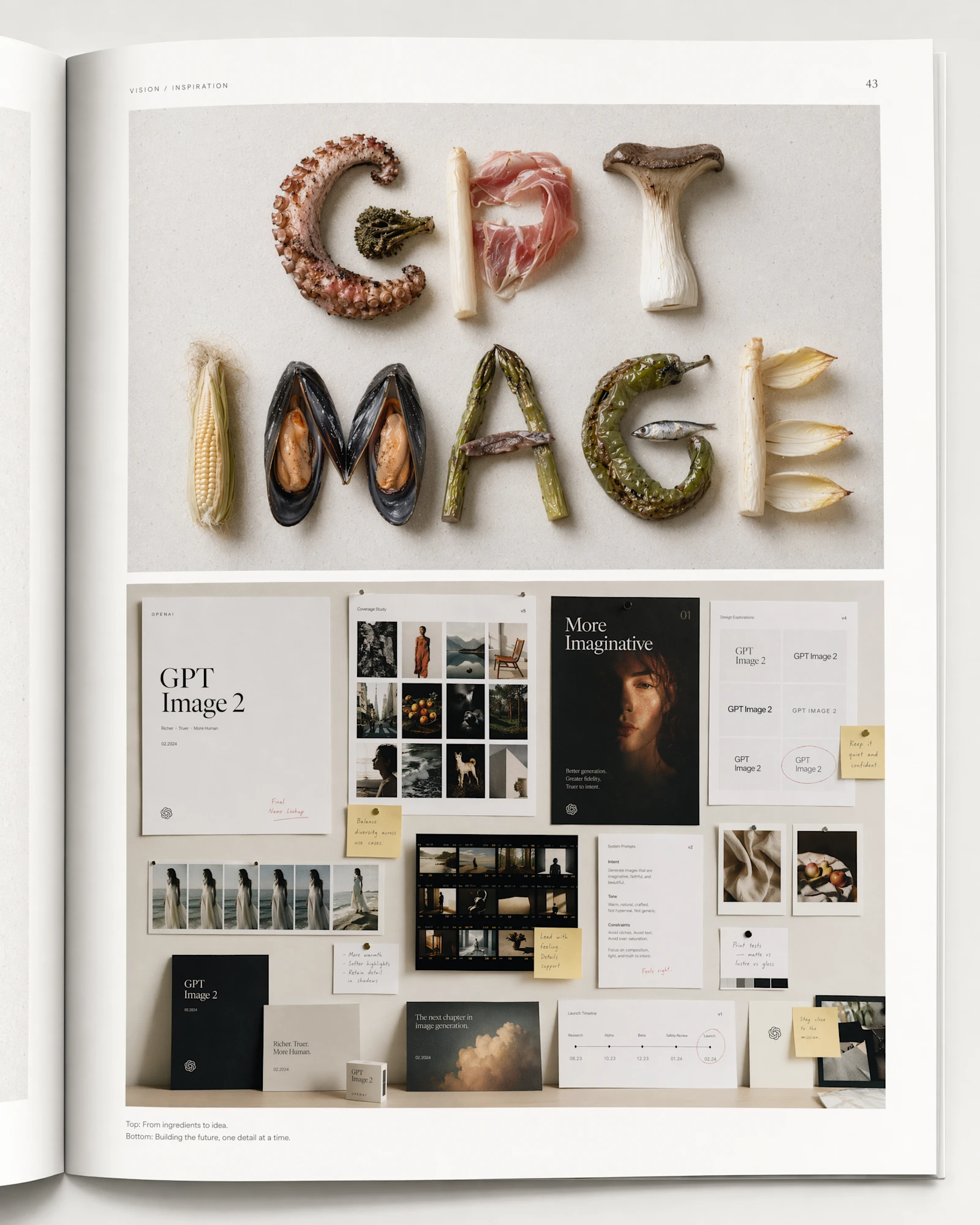
Style-controlled brand applications — packaging, type posters, mockups — identity held through edit loops.
Whether you ship ads, pitch decks, or product detail pages — the upgrade difference shows up here first.
Product visuals and in-image copy variants without a studio shoot per SKU.
Type-forward ads and seasonal banners — scenarios that used to die on broken typography.
Bulk exploration at quality:low, then medium / high on winners.
Landing heroes, pitch art, and concept comps before design bandwidth arrives.
Edit-heavy client loops: change one element, keep identity, lock brand geometry.
UI drafts, dense charts, and style-transfer exploration with fewer dead ends.
See the model at its best, then adapt — GPT Image 2 supports Chinese prompts natively; paste straight into iMini.
Photoreal product photo of matte black wireless earbud case on white marble, soft studio light, shallow depth of field, sharp brand wordmark on packaging, e-commerce hero, no watermark
Print-ready summer sale poster, tropical palette, large multilingual headline area at top with sharp glyphs, palm leaves framing edges, modern sans-serif, high contrast, clean layout
Photoreal professional headshot of woman in her 30s, natural window light, neutral gray background, confident expression, LinkedIn business style, real skin texture preserved
Overhead colorful açaí bowl flat lay, fresh berries and granola, bright natural light, Instagram food photography style, sharp ingredient detail, uncluttered frame
OpenAI’s latest image model from April 2026 — generation and editing in one stack. Native 4K, reliable in-image text, photoreal realism, characters that hold through multi-round edits. Instant for second-scale output, Thinking for hard composition — OpenAI recommends it as the default for new projects.
Sharp glyphs, stable layout, strong in-image contrast — dense menus, posters, UI, packaging, and annotated charts finally come out clean in one pass.
Thinking launched with the model: reasoning and tool use during generation — including live web context, multiple images from one prompt, and a more deliberate composition path than Instant.
Faces and identity hold across multi-round edits; characters stay consistent step to step — high-fidelity image input on by default, no extra setup.
low / medium / high tiers let teams choose speed vs fidelity. OpenAI notes quality:low often beats prior-gen visual quality while staying fast enough for bulk iteration.
| Dimension | Instant | Thinking |
|---|---|---|
| Role | Fast path with core Images 2.0 quality | Reasoning + tool-augmented generation |
| Latency profile | Optimized for fast output | Slower; plan and verify before final pixels |
| Best for | Drafts, social, quick exploration | Research-backed visuals, multi-image sets, hard briefs |
| Reasoning stack | Direct generation | Full reasoning stack on the prompt |
| Multi-image output | Usually one primary image | Multiple images from one prompt |
| Live context | No web during thinking phase | Can integrate live web search data |
GPT Image 2 vs Google’s Nano Banana 2 (Gemini 3.1 Flash Image) and Nano Banana Pro (Gemini 3 Pro Image), ByteDance’s Seedream 5.0 Pro, and last-gen GPT Image 1 — resolution, in-image text, edit fidelity, and speed side by side.
| Dimension | GPT Image 2 | GPT Image 1 | Nano Banana 2 | Nano Banana Pro | Seedream 5.0 Pro |
|---|---|---|---|---|---|
| Max resolution (practical) | Native 4K (3840×2160) · above 2K experimental | Fixed presets (~1K class) | Up to 4K | Up to 4K | Native 2K · 4K via upscale |
| In-image text reliability | Excellent | Moderate | Strong · especially CJK text | Industry-best text precision | Excellent |
| Reasoning / Thinking path | Images 2.0 Thinking | No dedicated Thinking path | Adjustable thinking tiers · search grounding | No dedicated Thinking path | Deep thinking + built-in web search |
| Multi-image / series workflows | Multi-image from one prompt (Thinking) | Mostly single-image | 5-character + 14-object consistency | Multi-reference compositing | Up to 10 references · layer export |
| Speed profile | Instant fast draft + quality tiers | Moderate | Fastest (Flash architecture) | Slower · quality-first | Balanced |
| Photorealism and materials | Excellent | Good | Near-Pro fidelity | Excellent | Excellent |
| Aspect ratio flexibility | Any size ≤3:1 (edge ×16) | Standard fixed ratios | 14 presets · up to 8:1 | 10 presets | Covers wide production sizes |
| References and edit fidelity | Default high-fidelity input | Supported | Supported | Supported · up to 14 references | Region-precision edit · layer export |
| High-density layout / UI / charts | Excellent | Moderate | Good | Excellent | Excellent |
| Default pick | OpenAI official default for new projects | Legacy compatibility only | Speed + cost default (Gemini lane) | Premium typography and final polish | Multilingual infographics · low cost |
Worth reading before your first generation.
 Nano Banana 2Gemini 3.1 Flash Image · fast defaultNano Banana ProGemini 3 Pro Image · premium 4KSeedream 5.0 ProDeep thinking · layer editing · low costGPT Image 1OpenAI previous-gen baseline
OpenAI’s recommended default image model for new projects — on iMini alongside Nano Banana 2, Nano Banana Pro, and Seedream.
Use GPT Image 2 freeNo separate ChatGPT subscription — one iMini account is enough.


.png.png!w640_webp)

