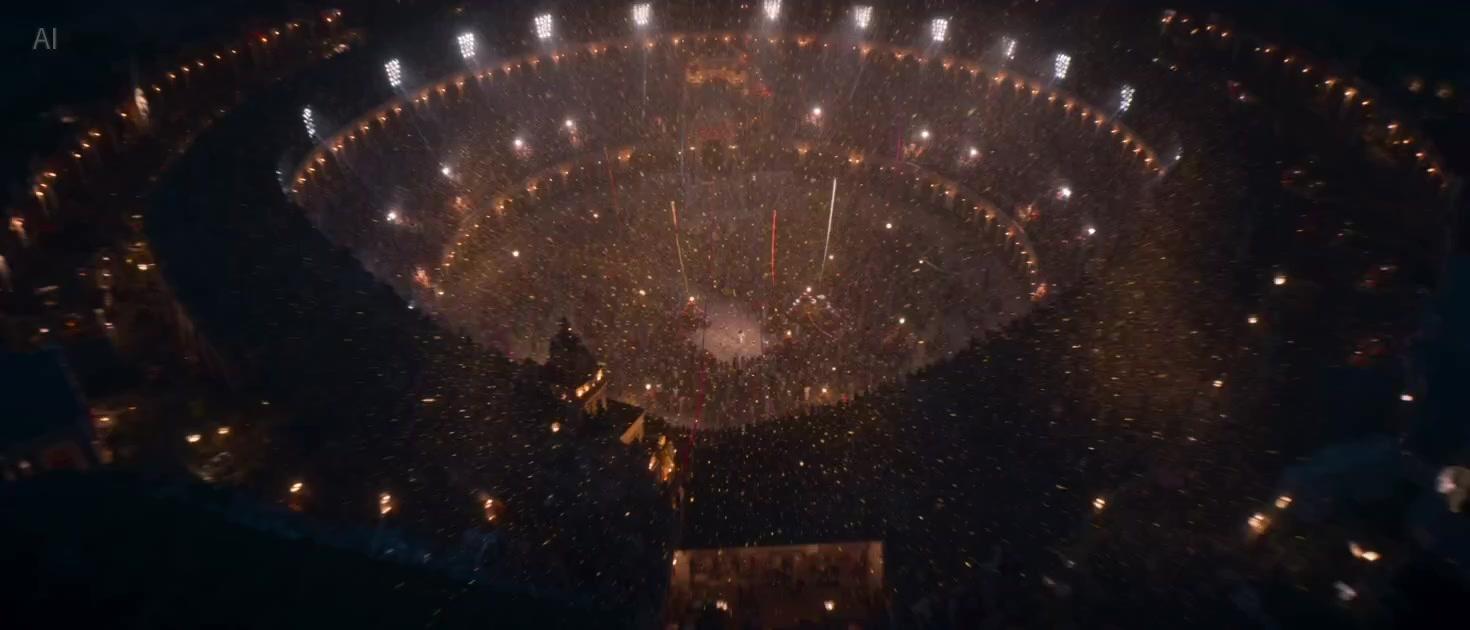
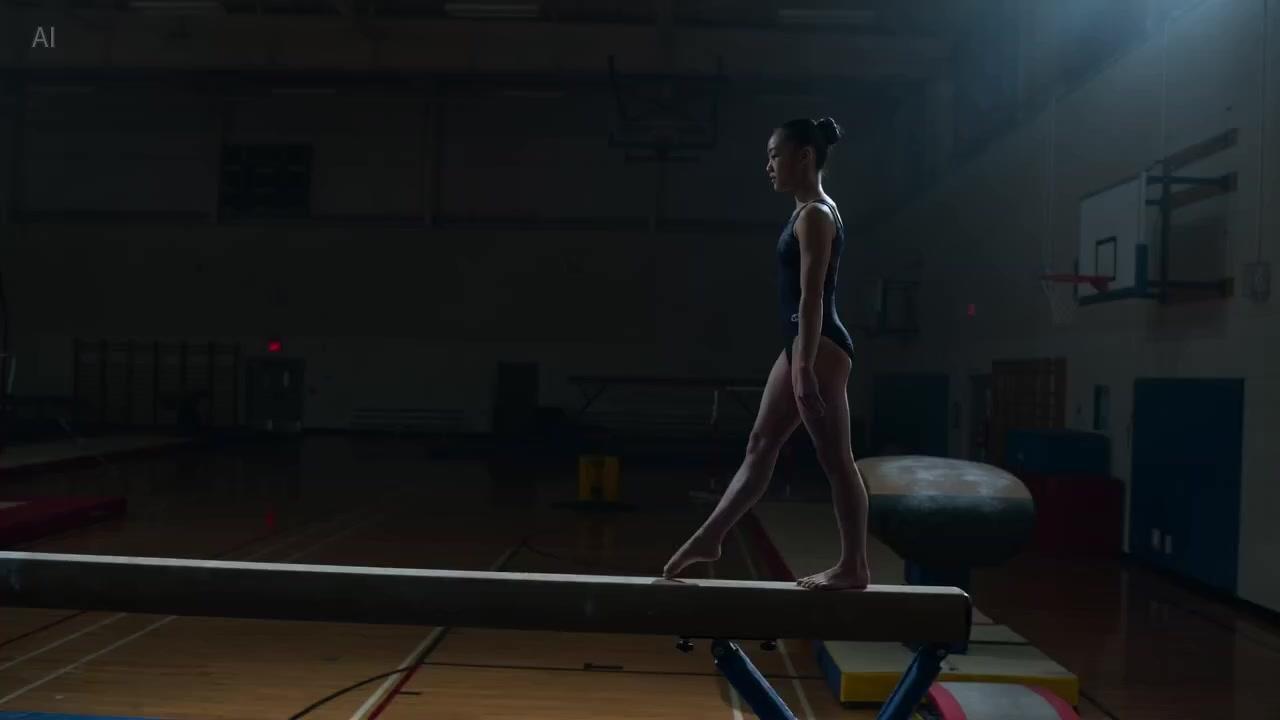
Multimodal references constrain the subject
Text, image, and audio-visual references can jointly constrain character, product, and style. When brand assets are already in place, stacking references first is more reliable than pure text prompting.
ByteDance · Seedance 2.0 · 2025–2026
Seedance 2.0 is one of the flagship production tiers in ByteDance's Seedance line, emphasizing multimodal references — text, image, audio-visual — and cross-shot subject consistency. It's built for brand ads, e-commerce shorts, and narrative deliveries that need to lock a character or product; the same capability line later added higher-resolution tiers too. Compared with the newer Seedance 2.5, 2.0 suits projects that already have a working pipeline and don't need single-pass duration near 30 seconds. Select Seedance 2.0 in the iMini video workspace to use it.
Text, image, and audio-visual references can jointly constrain character, product, and style. When brand assets are already in place, stacking references first is more reliable than pure text prompting.
Built for deliveries where a character or product needs to stay recognizable across multiple shots. Wardrobe, appearance, and prop logic advance through the same generation chain, cutting drift in the back half.
Suited to ad segments, e-commerce shorts, and short narratives that need a clear arc. Spelling out shot order and motion intent in the prompt makes it easier to land the structure in one pass.
If a single pass doesn't need to reach ~30 seconds but multi-reference narrative is already enough, stick with 2.0. Move up to Seedance 2.5 when you need to tell a longer beat in one go.
Reference control, subject consistency, and finished-clip usability — the key points to check before making this your daily driver.
Not just a single first frame: image and audio-visual references can jointly constrain the subject, making it easier for brand and character films to lock assets.
Characters and products stay recognizable across shots, suited to ads and e-commerce shorts that need to tell a continuous beat.
The same capability line later added higher-resolution tiers. When quality sensitivity matters, check the available resolutions in the workspace first.
2.0 remains a reliable go-to for multi-reference narrative; when you need native ~30-second single-pass length and a larger reference scale, look at Seedance 2.5.
All are current mainstream video choices. The differences come down to clip length, reference scale, and whether you prioritize narrative consistency or action performance.
| Dimension | Seedance 2.0 | Seedance 2.5 | Kling 3.0 |
|---|---|---|---|
| Clip length | Common few-second to ten-second-class range | ~30s native single-pass | Common cap around ~15s |
| Resolution | HD / higher tiers (see workspace) | HD tiers available (see workspace) | Common 1080p / higher tiers available |
| Native audio | See current workspace capability | See current workspace capability | Strong multilingual dialogue & lip sync |
| Multimodal refs | Text · image · audio-visual multi-reference | Full-modality, multi-reference (official ~50) | Image / video refs, weighted toward motion & character |
| Motion & physics | Prioritizes narrative consistency | Prioritizes consistency over longer passages | Strong complex-body and action performance |
| Prefer when | Brand ads and multi-reference narrative clips | Generating a full ad segment / short-drama beat in one pass | Action scenes, camera work, and character motion come first |
Multi-reference narrative already covers your needs, your pipeline is proven, and a single pass doesn't need to force ~30 seconds.
You need a longer single pass, a larger reference scale, and want to generate an ad segment or short-drama beat in one go.
Delivery depends more on complex body motion, action scenes, or stronger multilingual dialogue.
Three steps from opening the workspace to exporting a finished clip.
Go to iMini video creation and select Seedance 2.0.
Describe the shot and subject clearly; if you have brand or character assets, upload them as references first.
Export once subject and pacing hit the mark. If results are inconsistent, add references or refine the shot description first.
Quotas, specs, migration, and model selection.
Multimodal references, more reliable narrative clips. Open the video workspace to use it — no separate vendor API key needed.
No separate vendor API key needed.