Keep a shot moving for up to 30 seconds
A longer continuous shot leaves time for an establishing view, an action and a resolution. Describe the sequence and camera path; check continuity throughout the result rather than judging only its opening.
Kuaishou · Kling 4.0 · 2026-10-15
Plan an action sequence, guide its key moments and reuse visual references. Explore the new model’s official capabilities and the differences from Kling 3.0.
Kling 4.0 is not yet integrated on iMini. Creation will be enabled when available.
Kling 4.0 is Kuaishou’s video generation model released on October 15, 2026. It adds longer continuous generation and finer control over references and key visual moments. These changes suit product stories, character performances and moving-camera shots. The specifications below describe the official model; available settings depend on the platform and selected mode.
A longer continuous shot leaves time for an establishing view, an action and a resolution. Describe the sequence and camera path; check continuity throughout the result rather than judging only its opening.
The official limit is 15 total assets, with sublimits of 10 images, 5 videos and 7 subjects. These limits are not additive. Reference videos total up to 30 seconds, including video subjects. Give each asset a clear role.
Multiple keyframe images define important poses, scene changes and narrative beats. Use coherent images and practical transitions; a keyframe sequence guides the result without guaranteeing exact intermediate frames.
The official feature article marks 10-bit HDR at 4K and 1080p as coming soon and lists 21:9 support. Rollout and output settings can differ by platform. Check available formats before delivery.
Six videos from Kling AI’s official 4.0 feature article. Play each example with sound or switch the hero preview. These are vendor demonstrations, not iMini tests.
A pianist and a ship in rough seas; the official action and camera-work example.
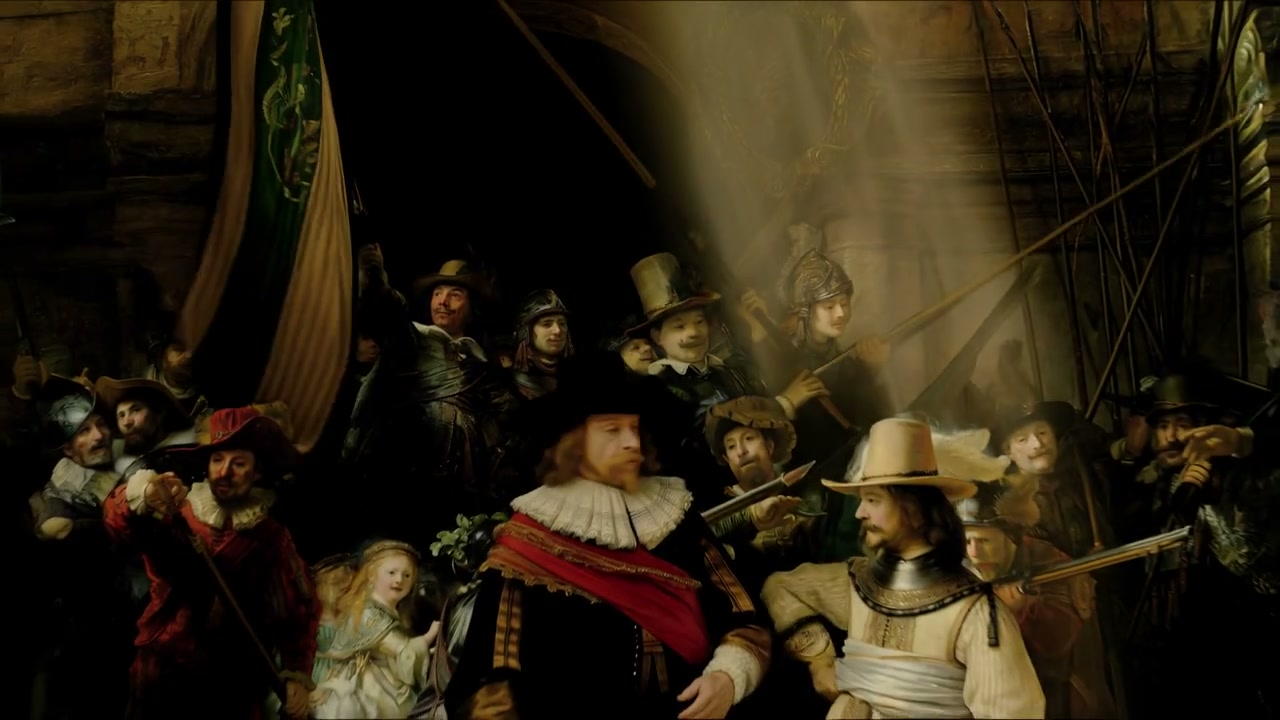
A painting-inspired performance used in the official audiovisual section.
An animated lion dance shown in the Omni Reference section.
A dragon moves through a fantasy setting in the official long-generation example.
A continuous sequence through a room, shown under keyframe control.
A cabin dialogue scene shown in the official language and accent section.
A capability comparison based on official descriptions, not an iMini speed test or quality ranking. Check current platform options before spending credits.
| Dimension | Kling 4.0 | Kling 3.0 | Kling 4.0 Flash |
|---|---|---|---|
| Single-generation duration | Up to 30 seconds | 3–15 seconds | Check the selected Flash mode |
| Output formats | HDR at 4K/1080p coming soon; 21:9 supported | Check the selected quality tier | Do not assume flagship format parity |
| Audio and dialogue | Expanded languages and accents | Native audio and multilingual dialogue | Check current mode support |
| Reference control | 15 total mixed assets; 10 keyframes | Subject references and start/end frames | Verify limits separately |
| Positioning | Longer action and controlled camera work | Shorter multi-shot storytelling | Faster, frequent iteration |
| Choose for | Continuous stories and planned key moments | Existing validated short-clip workflows | Draft exploration when speed matters |
Use its longer duration and extra keyframe control when the story needs several connected moments in one generation.
If 3–15 seconds and existing subject controls already cover the task, compare the additional control you actually need before switching.
Flash is a separate Kling variant positioned for faster creation. Verify its current duration, reference limits and cost before choosing it.
Start with the shot, then decide which reference and timing controls are necessary.
Describe the subject, setting, action order and camera movement. Keep the story achievable within a single shot.
Choose assets for appearance, movement or important visual moments. Keep identities and scene geometry consistent across references.
Select the model and controls actually offered by the platform. Review motion, sound and subject consistency before exporting.
Official model features, variant differences and practical limits.
Decide what must stay consistent, when the camera moves and which key moments need references. Check the available model before generating.
Kling 4.0 is not yet integrated on iMini. Creation will be enabled when available.