Create Stunning AI Images Faster with GPT Image 2.5
Generate polished visuals for marketing, social media, product shots, and creative projects in seconds.
Sign up to unlock daily free generations
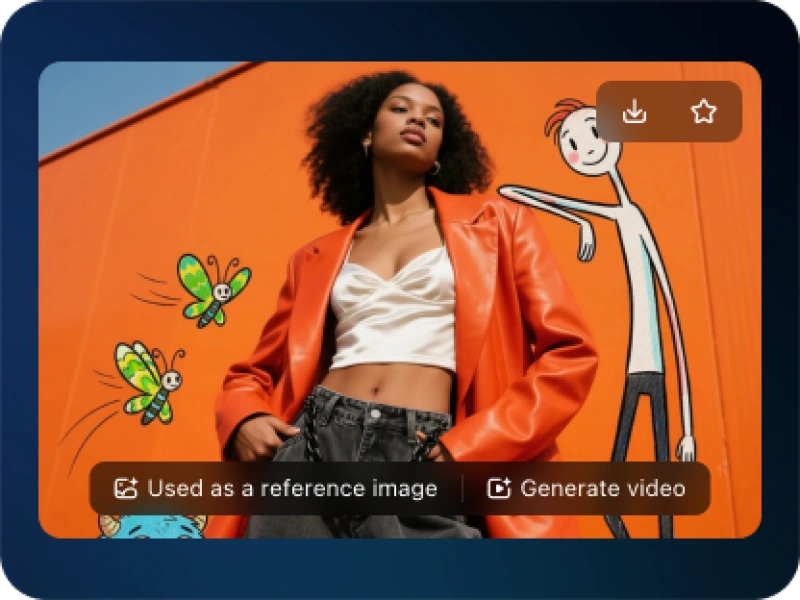
GPT Image 2.5 AI Image Gallery
How to Create AI Images with GPT Image 2.5
FREQUENTLY ASKED QUESTIONS
What is GPT Image 2.5?
GPT Image 2.5 is an AI image generation tool that helps users create high-quality visuals from text prompts, templates, or reference images. It is designed for marketing, design, social media content, product visuals, and creative projects.
How do I use GPT Image 2.5 to create an AI image?
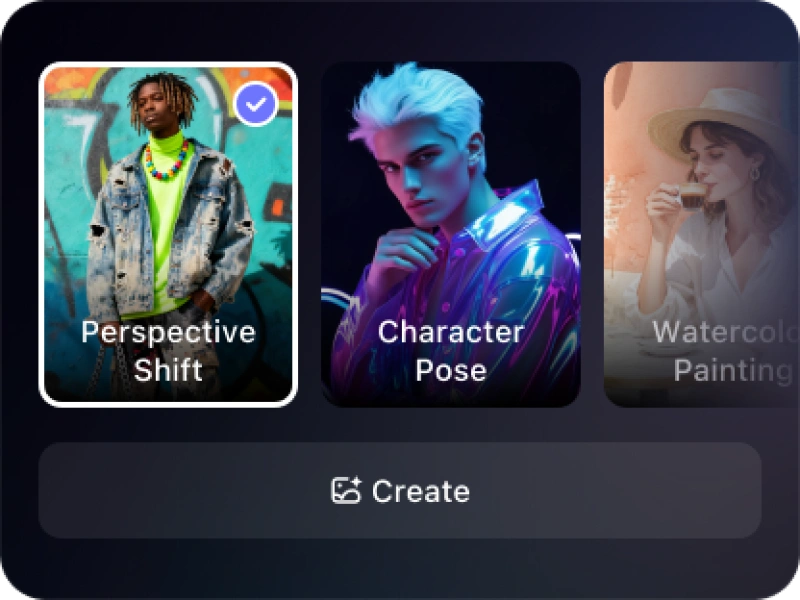
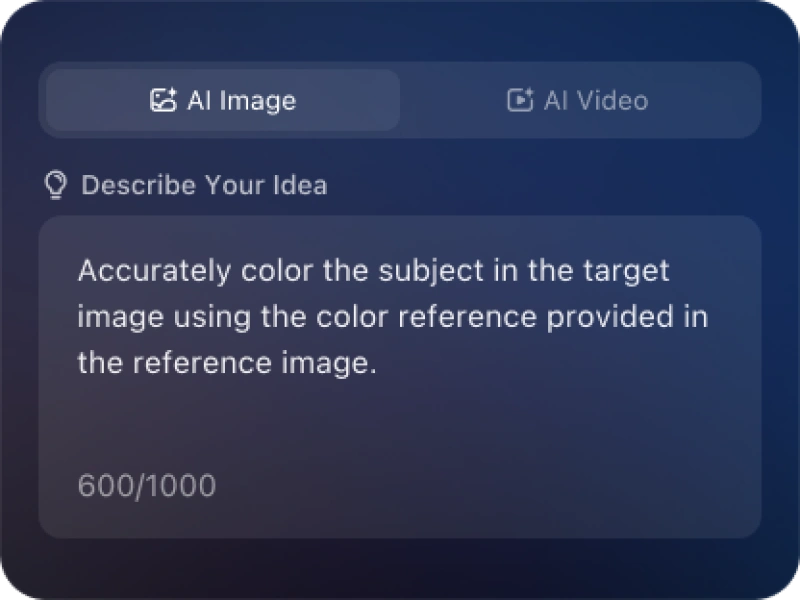
To create an AI image with GPT Image 2.5, choose a template, enter a prompt describing the image you want, optionally upload a reference photo, and click generate. You can then refine the prompt or style to create a better result.
What can I create with GPT Image 2.5?
You can create product images, marketing banners, social media posts, portraits, concept art, lifestyle visuals, website graphics, ad creatives, presentation images, and other digital design assets.
Is GPT Image 2.5 good for marketing content?
Yes. GPT Image 2.5 is useful for marketing because it can quickly generate campaign visuals, ad creatives, product scenes, social media graphics, and branded content ideas without requiring a full design workflow.
Can I upload a photo and edit it with GPT Image 2.5?
Yes. You can upload a reference photo and use GPT Image 2.5 to create new visual variations, replace backgrounds, adjust styles, generate similar images, or turn the original photo into a more polished creative asset.
Do I need design skills to use GPT Image 2.5?
No. GPT Image 2.5 is built for both beginners and professionals. You can start with a simple prompt or template, then improve the image by adding details such as style, lighting, color, composition, and intended use.
Is GPT Image 2.5 free to try?
You can sign up to unlock daily free AI image generations and try GPT Image 2.5 before choosing whether to create more images.