
Fake Window Projector Video Ideas and Downloads
Updated on July 15, 2026
Best Fake Window Projector Ideas by Room
The strongest fake window projector setup depends on the room. A bedroom usually works best with slow rain, moonlight, ocean, or mountain cabin scenes. A studio can use city skyline loops, cyberpunk windows, or bright morning views. A cafe or lounge works well with warm street windows, snow outside the glass, or soft forest daylight.
- Bedroom: rain on glass, moonlit forest, ocean sunrise, quiet cabin window.
- Studio: city skyline, futuristic apartment view, moving clouds, soft daylight.
- Content backdrop: clean window frame, slow motion, low contrast, no distracting text.
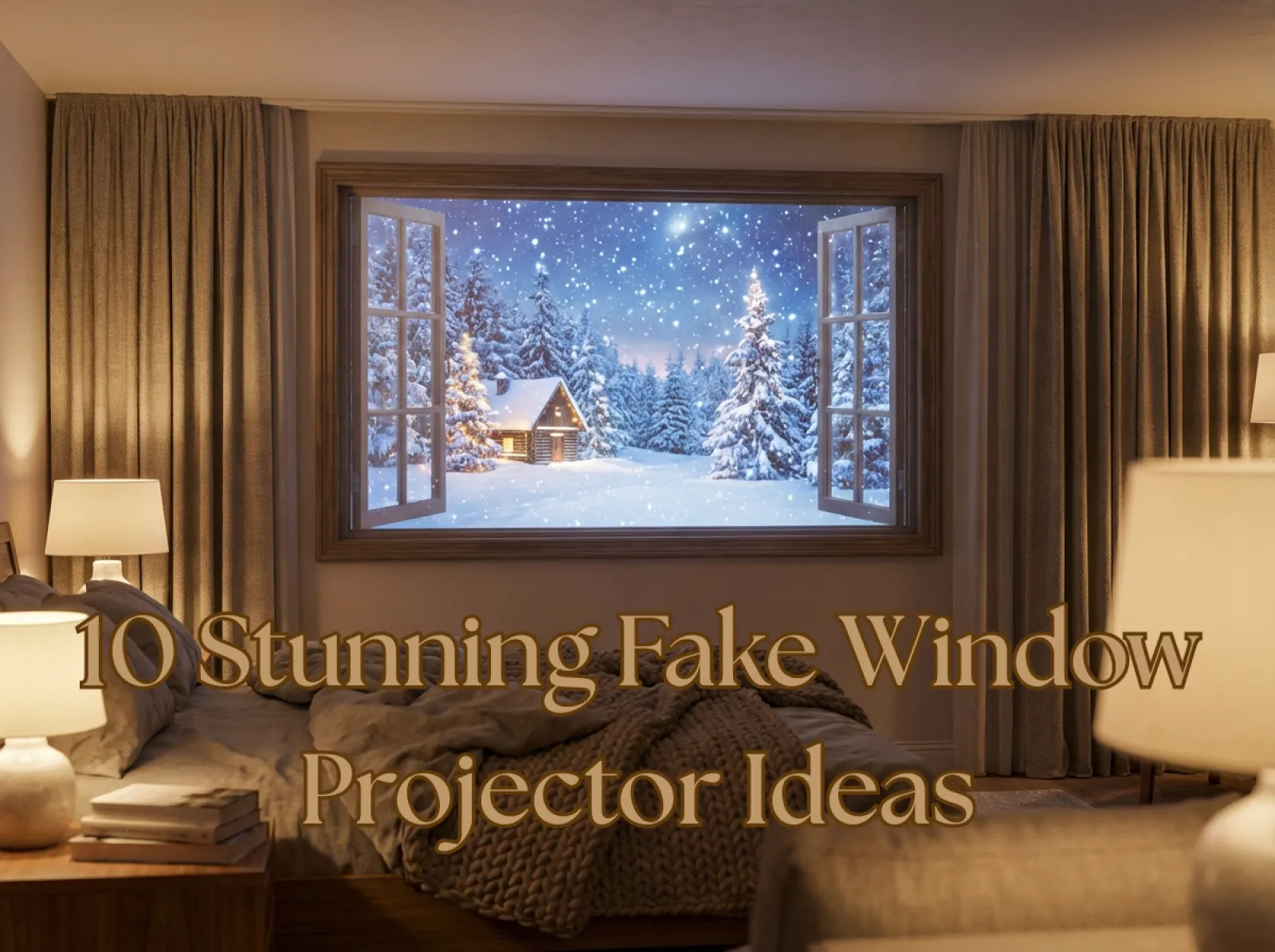
A fake window projector is one of the easiest ways to make a bedroom, office, basement, or windowless room feel brighter and more cinematic. Instead of projecting a random landscape photo, the best setup uses a realistic fake window projector video: a slow loop of ocean waves, rain on a city window, a forest view, snow, sunset, or a soft daylight scene that feels like a real view outside the wall.
This guide shows how to create fake window projector ideas with AI, how to turn still window scenery into loopable videos, and what to download or project for different rooms. If you are searching for a fake window projector video download or a custom window scenery video, iMini AI can help you generate the view, polish the frame, and export a projection-ready scene.
Quick answer: for a realistic fake window projector, use a bright HD or 4K looping window scenery video, a clean wall or screen, and a simple frame or curtains. If you need a fake window projector video download, create a stable ocean, rain, forest, city, snow, or daylight loop first, then project it as a calm room effect for bedrooms, offices, basements, or windowless rooms.
- Best keywords covered: fake window projector, fake window projector video, fake window projector ideas, window scenery video, fake window projector video download.
- Best rooms: bedroom, home office, basement, windowless room, studio, dorm room, spa corner, and cozy living room.
- Best workflow: generate a still window view, animate it into a subtle loop, download the video, then project it inside a simple window frame.
How to Create a Fake Window With a Projector
Creating a fake window with a projector is a simple DIY setup. The key is not only the projector itself; it is the combination of the wall surface, the fake frame, and the video content. A realistic AI window view should look calm, centered, and believable when projected for more than a few minutes.
What You Need for a Fake Window Projector Setup
- Projector: choose 1080P or higher. A 4K projector gives sharper window edges, and 1,000+ lumens is usually enough for darker rooms. Use 2,000+ lumens if the room has daylight or strong ambient light.
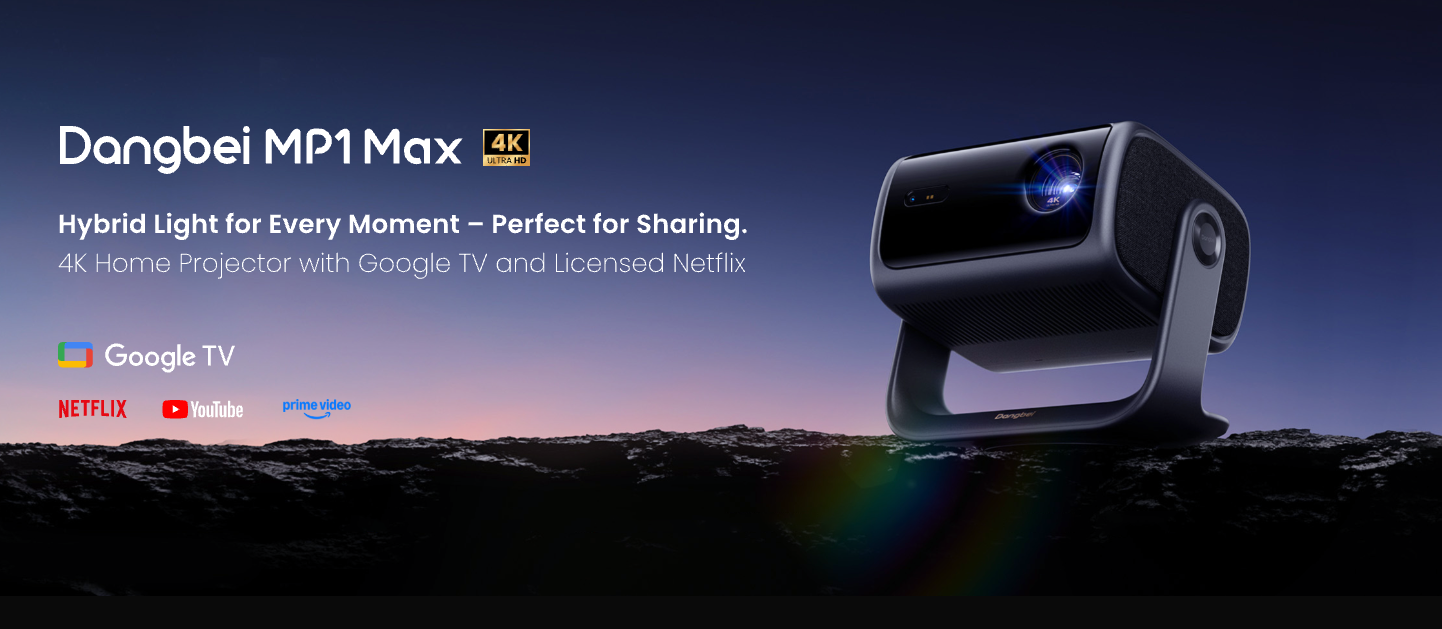
- Projection surface: use a white wall, light-colored wall, projection screen, or foam board. A clean rectangle helps the fake window effect feel intentional.
- HD or 4K window scenery video: use slow video loops such as rain, ocean, forest, skyline, snow, daylight, or seasonal scenes. Avoid shaky camera movement because it breaks the illusion.
- Frame and decor: add curtains, trim, plants, warm lamps, or a faux window frame around the projection.
- Sound: optional ambient audio such as waves, birds, rain, or soft city noise can make the fake window projector feel more immersive.
Step-by-Step Setup
- Choose the room effect: decide whether you want daylight, cozy rain, ocean vacation, forest calm, city night, snow, or space.
- Pick a projection-friendly scene: choose a wide, stable shot with clear window edges and gentle motion.
- Position the projector: adjust distance, focus, and keystone until the projected window is rectangular and sharp.
- Add the frame: use curtains, wood strips, tape, or trim to make the projection look like a real window.
- Match the lighting: lower harsh room lights and use lamps that match the projected scene's color temperature.
Fake Window Projector Video Download Tips
Before downloading or exporting a fake window projector video, keep the scene landscape, loop-friendly, and slow. The best files for projection usually have no text, no people, minimal camera movement, and a clear window-frame perspective. For small bedrooms and offices, a 10-20 second seamless loop is often enough.
Best Fake Window Projector Videos for Bedrooms, Offices, and Windowless Rooms
Different rooms need different video styles. A bedroom fake window should feel soft and relaxing, while an office fake window should usually feel brighter and more energizing. If the room has no natural light, choose a daylight loop instead of a dark night scene.
Bedroom Fake Window Projector Videos
For bedrooms, use ocean waves, forest mornings, rain on glass, snowy cabins, or warm sunset scenery. These videos help the room feel deeper without adding visual clutter. Keep motion slow so the projection stays comfortable at night.
Office and Study Room Window Scenery Videos
For offices, use daylight windows, city skyline, green park, mountain morning, or quiet cafe window views. A fake window projector video with steady light can make long work sessions feel less enclosed.
Basement or Windowless Room Videos
For basements, studios, and windowless rooms, choose bright nature views: blue sky, forest path, ocean balcony, or sunlit garden. These scenes solve the main search intent behind fake window projector ideas: making a closed room feel more open.
Holiday and Mood Videos
Holiday loops such as snowy Christmas villages, Santa scenes, autumn parks, and rainy city nights work well for short-term decor. They are also useful for content creators, cafes, events, and themed rooms.
How to Use iMini AI to Create Fake Window Projector Videos
iMini AI can help you create both still scenes and animated loops. A strong fake window scene starts with a realistic prompt, then becomes a smoother video with subtle movement such as clouds, rain, waves, falling snow, or moving city lights.
Step 1: Generate a Projection-Ready Window View
Open iMini AI text to image or Nano Banana 2 and create a landscape or wide image. Keep the subject simple: window frame, view outside, natural light, and realistic depth.
Step 2: Use a Clear Fake Window Prompt
Prompt formula: "[window frame style] window view of [scene], [time of day], realistic room lighting, subtle depth, projection-friendly composition, stable camera, high resolution, no text, no people."
Example: "Minimal white window frame overlooking a calm turquoise ocean, soft morning sunlight, slow waves, realistic reflections, clean edges, projection-friendly composition, 4K, no text, no people."
Step 3: Turn the Image Into a Looping Video
Animate only one or two details: rain, clouds, waves, snow, leaves, or distant city lights. For a fake window projector video, subtle motion is better than dramatic camera movement.
Step 4: Download and Project the Video
Export the scene, download it, and play it on loop. If the projector supports USB playback, save the video to a local drive. If not, play it from a laptop, tablet, or media device.
10+ Fake Window Projector Ideas Created With AI
Use these examples as prompt references for your own window scenery video. Each one can work as a still image or as a subtle animated loop for projection.
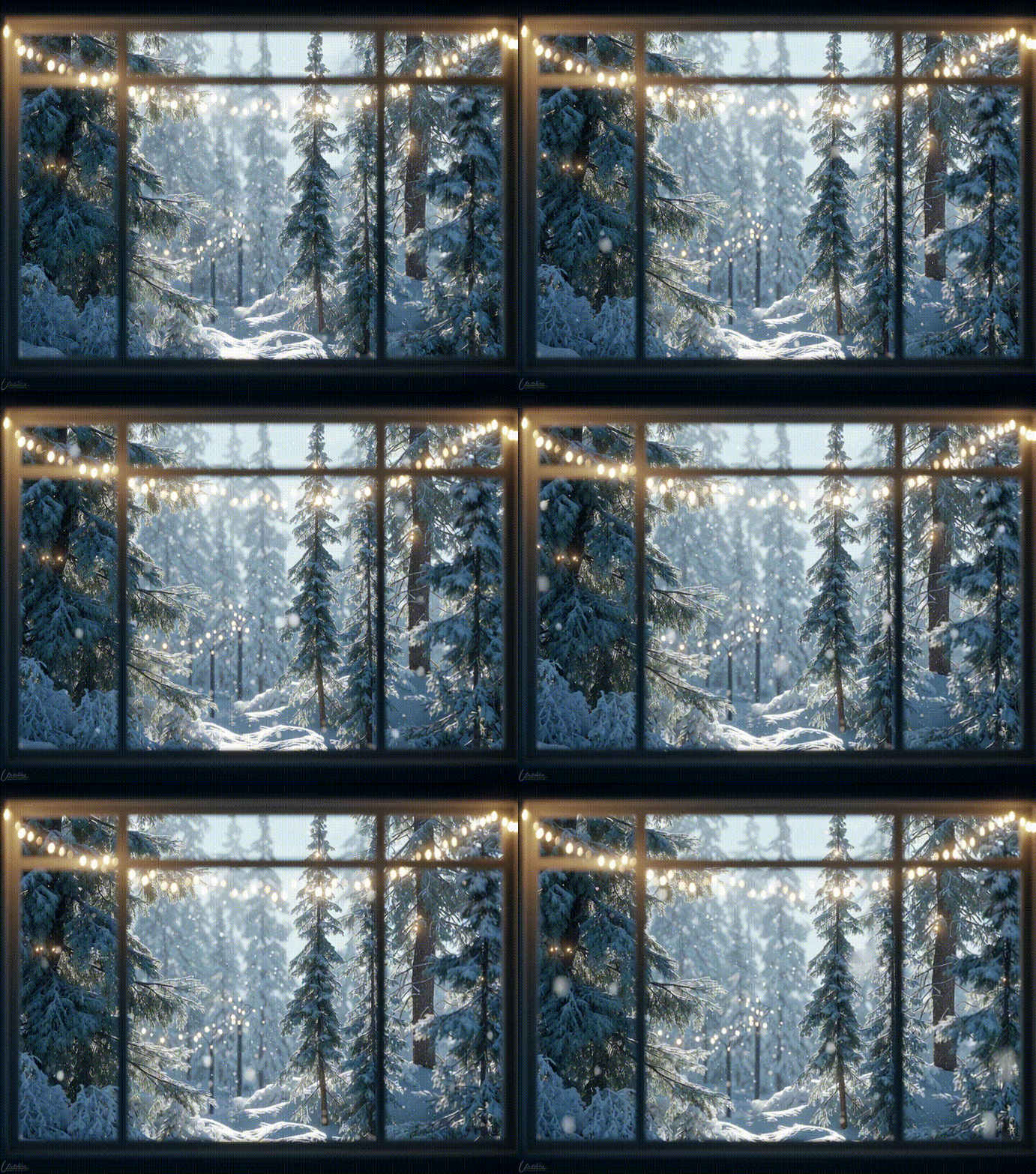
Christmas Snowy Pine Forest
Prompt: Snowy pine forest outside a window, soft Christmas lights glowing on trees, morning light, cozy and peaceful, realistic textures, projection-friendly framing.
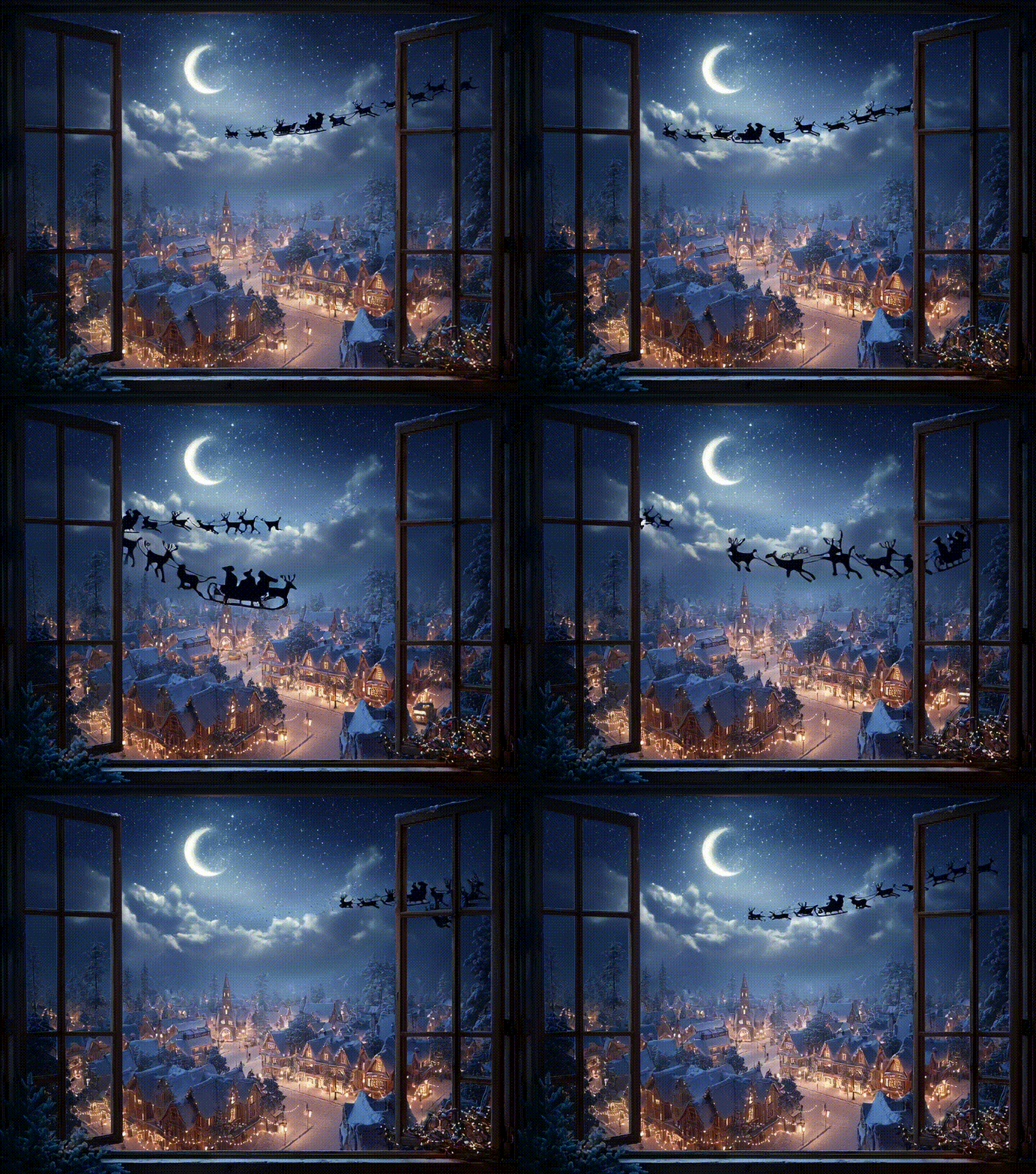
Christmas Santa Claus Window
Prompt: Window view of a snowy town at night, Santa Claus sleigh flying across a starry sky, glowing Christmas lights, cinematic magical style, ultra-realistic, projection-ready.
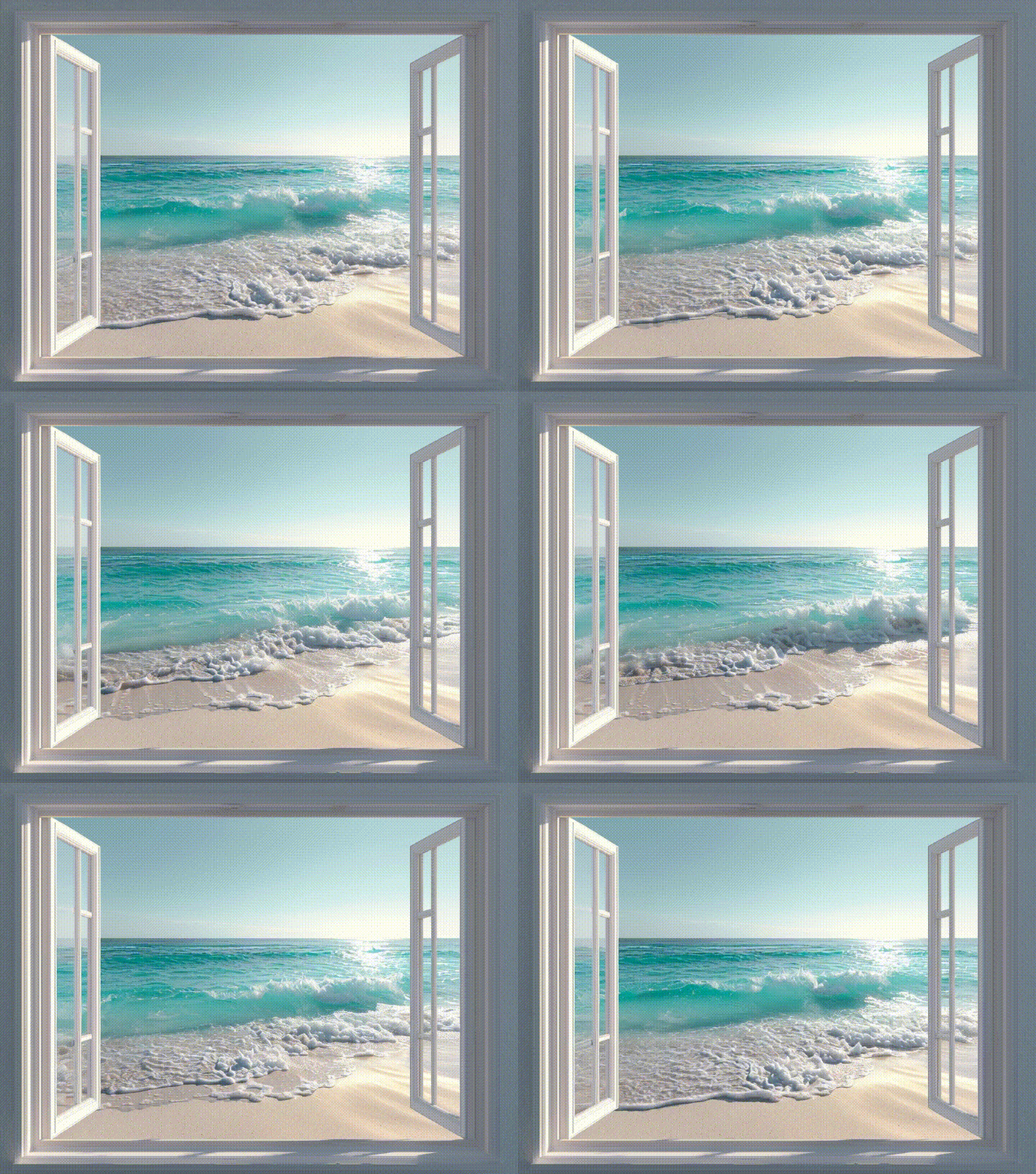
Ocean Window Scenery Video
Prompt: Minimal white window frame overlooking turquoise ocean waves, soft sunlight, calm sandy beach, realistic reflections, ultra-clear projection-ready composition.
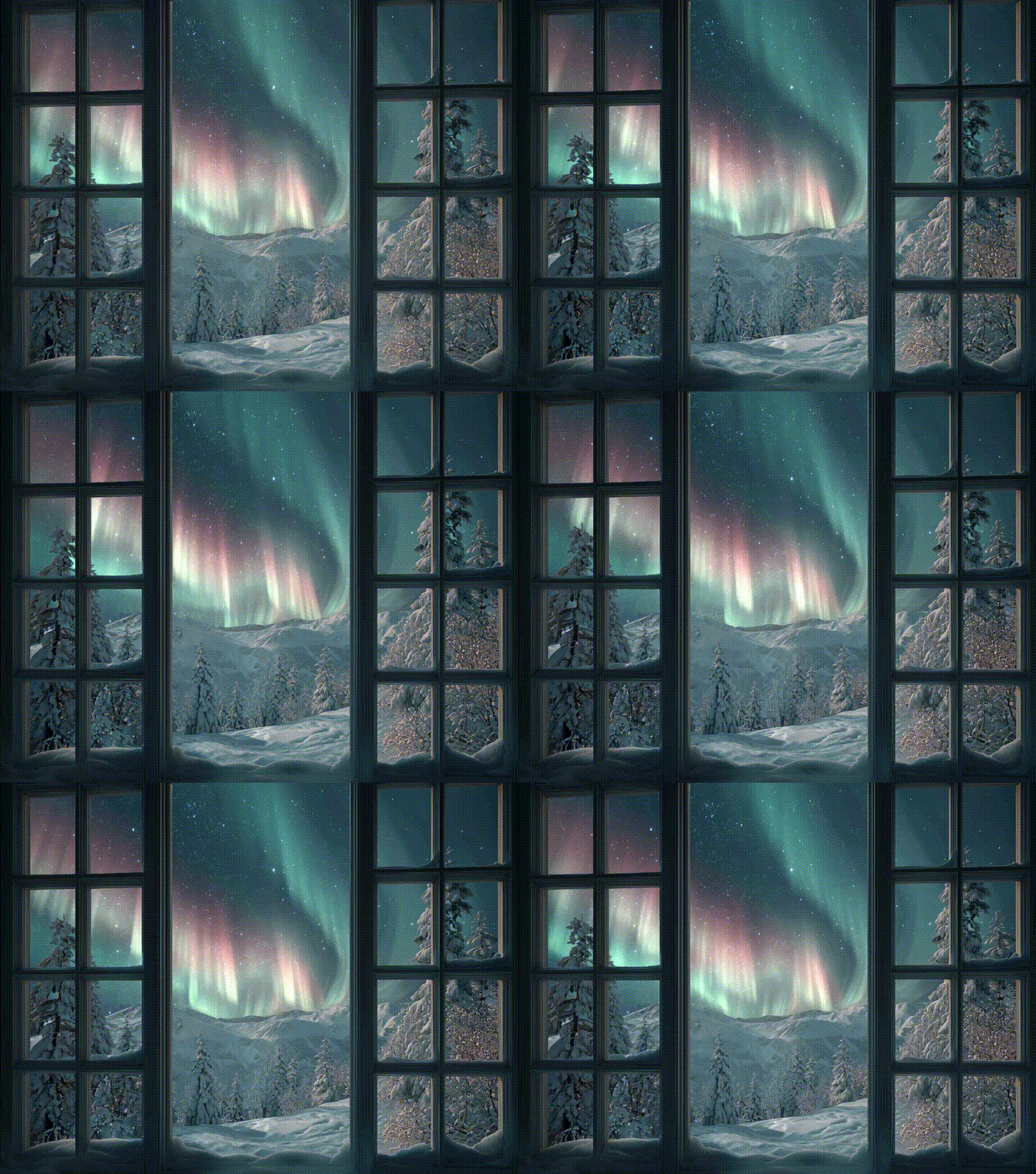
Snowy Landscape With Northern Lights
Prompt: Window view of snowy landscape with northern lights, soft glowing aurora colors, peaceful winter night, ultra-realistic, projection-friendly, high resolution.
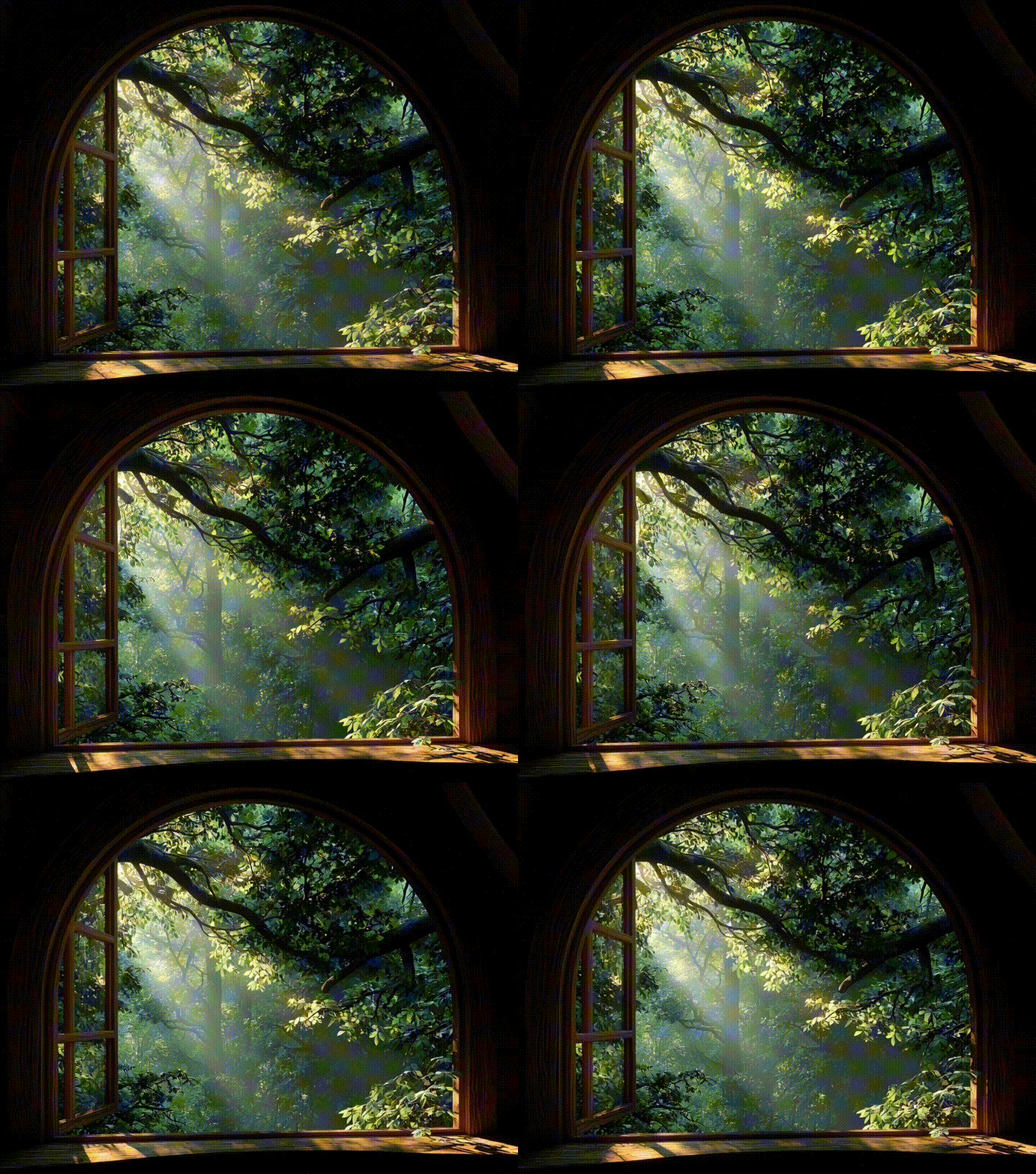
Green Forest Window
Prompt: Treehouse window looking into dense green forest, sun rays through leaves, serene and natural, ultra-realistic detail, soft shadows, projection-ready composition.
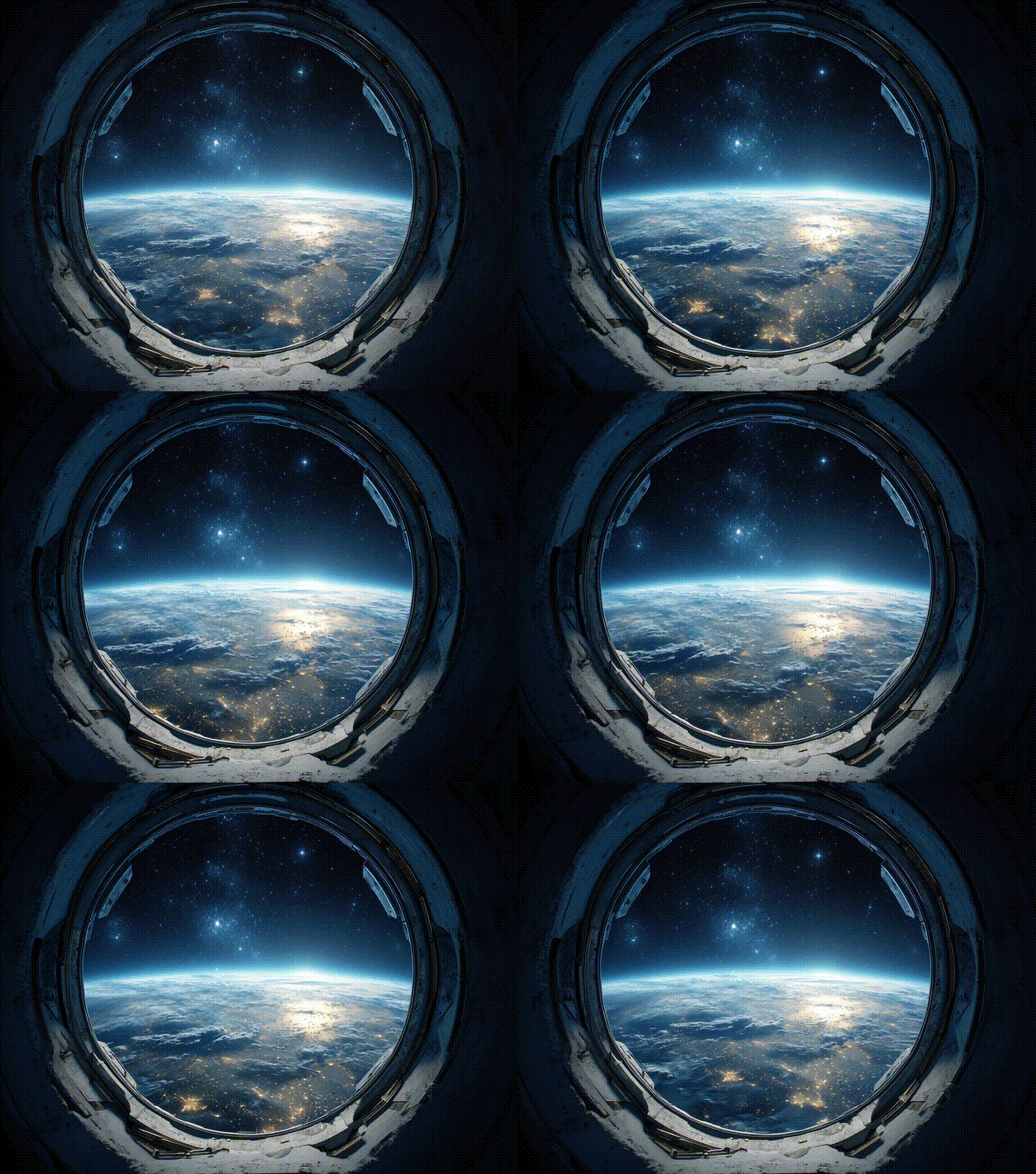
Space Station Window
Prompt: Circular space station window, Earth view with glowing blue atmosphere, stars in background, high-detail, realistic NASA-style lighting, projection-ready composition.
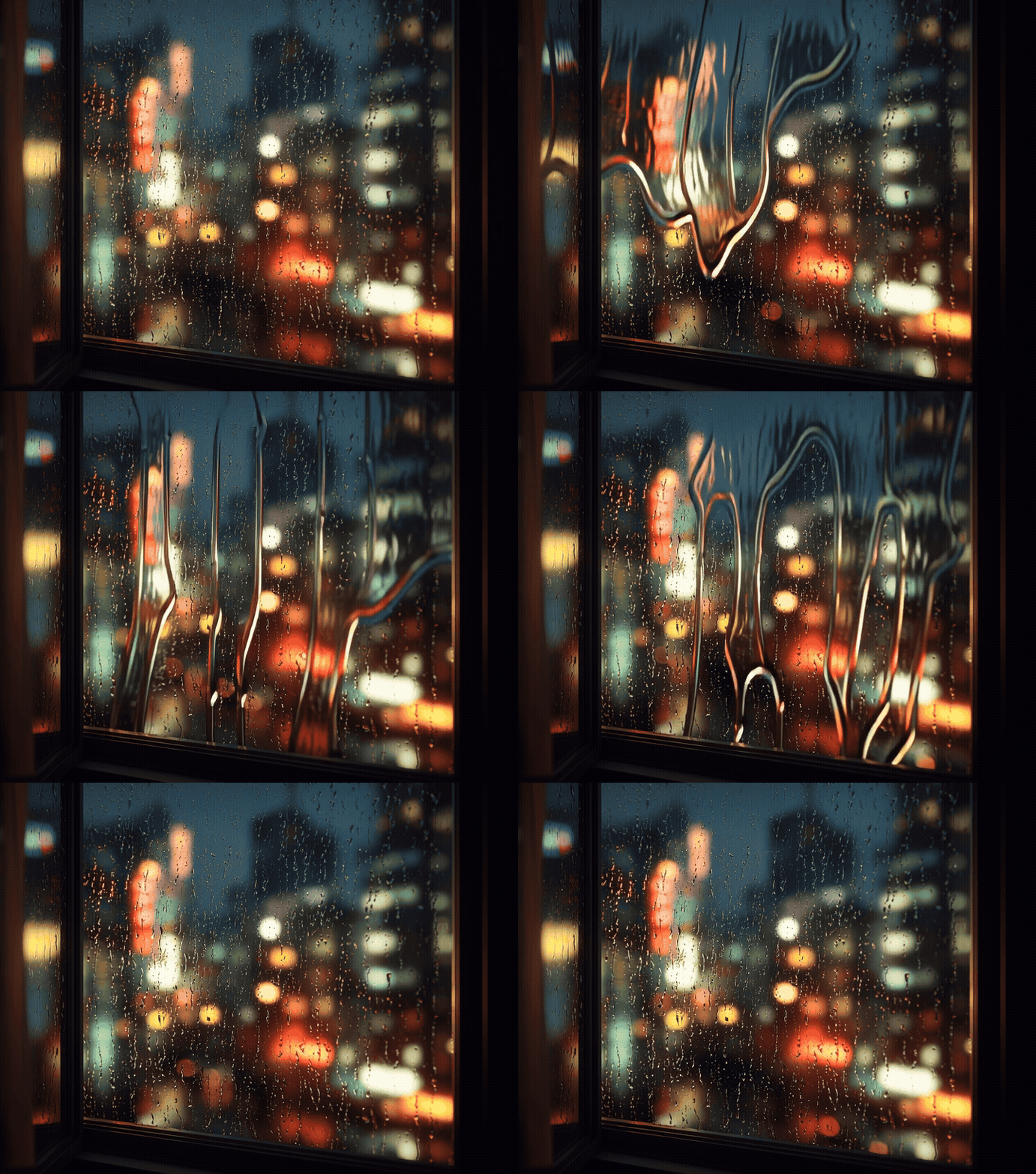
Rainy Cityscape Window
Prompt: City apartment window with raindrops, blurred neon city lights outside, cozy moody atmosphere, cinematic, ultra-realistic, projection-friendly edges.
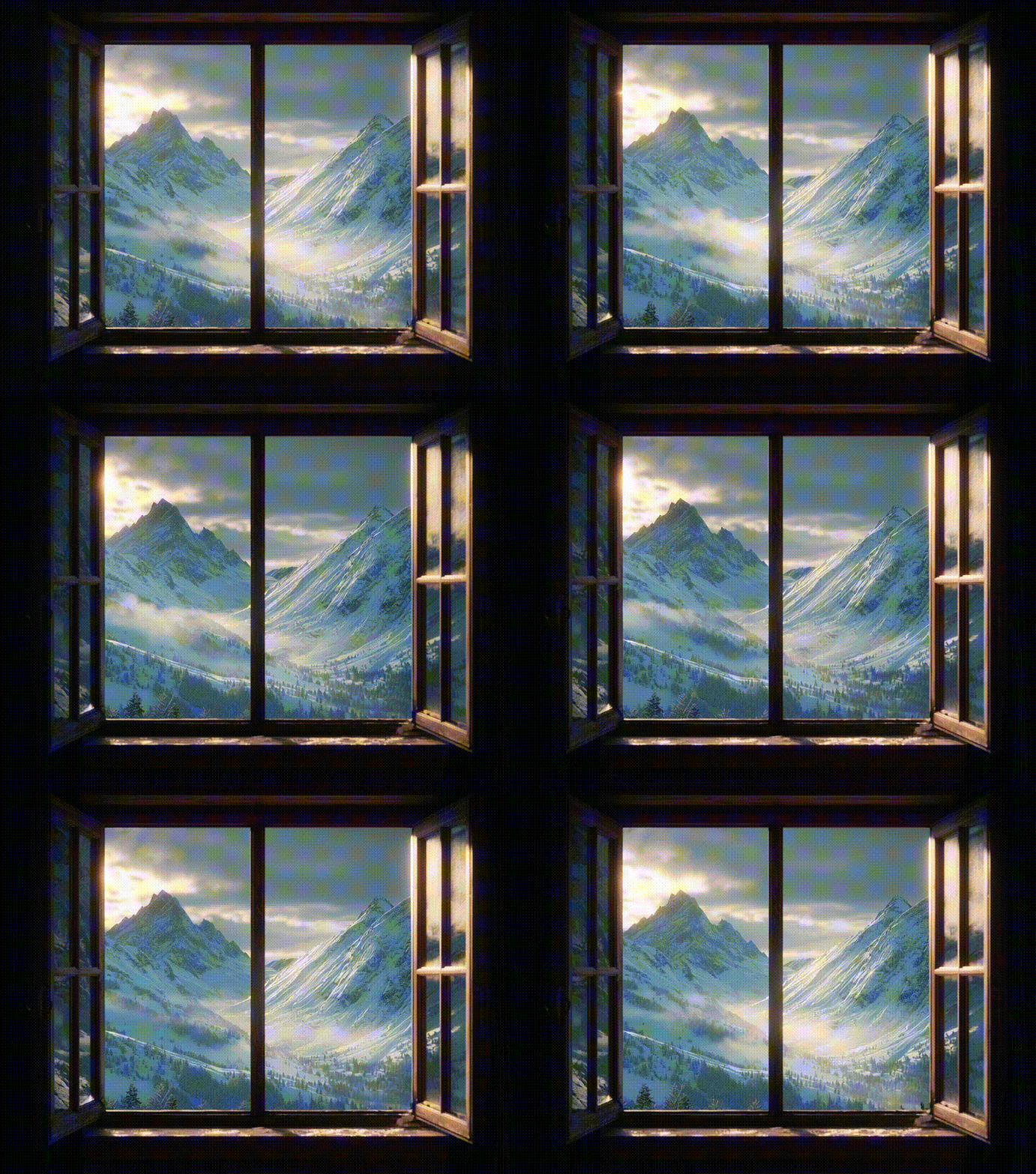
Snow Mountain Chalet
Prompt: Chalet window with snow-covered mountain peaks, dramatic morning light, misty valley, ultra-realistic landscape, cozy winter ambience, projection-ready framing.
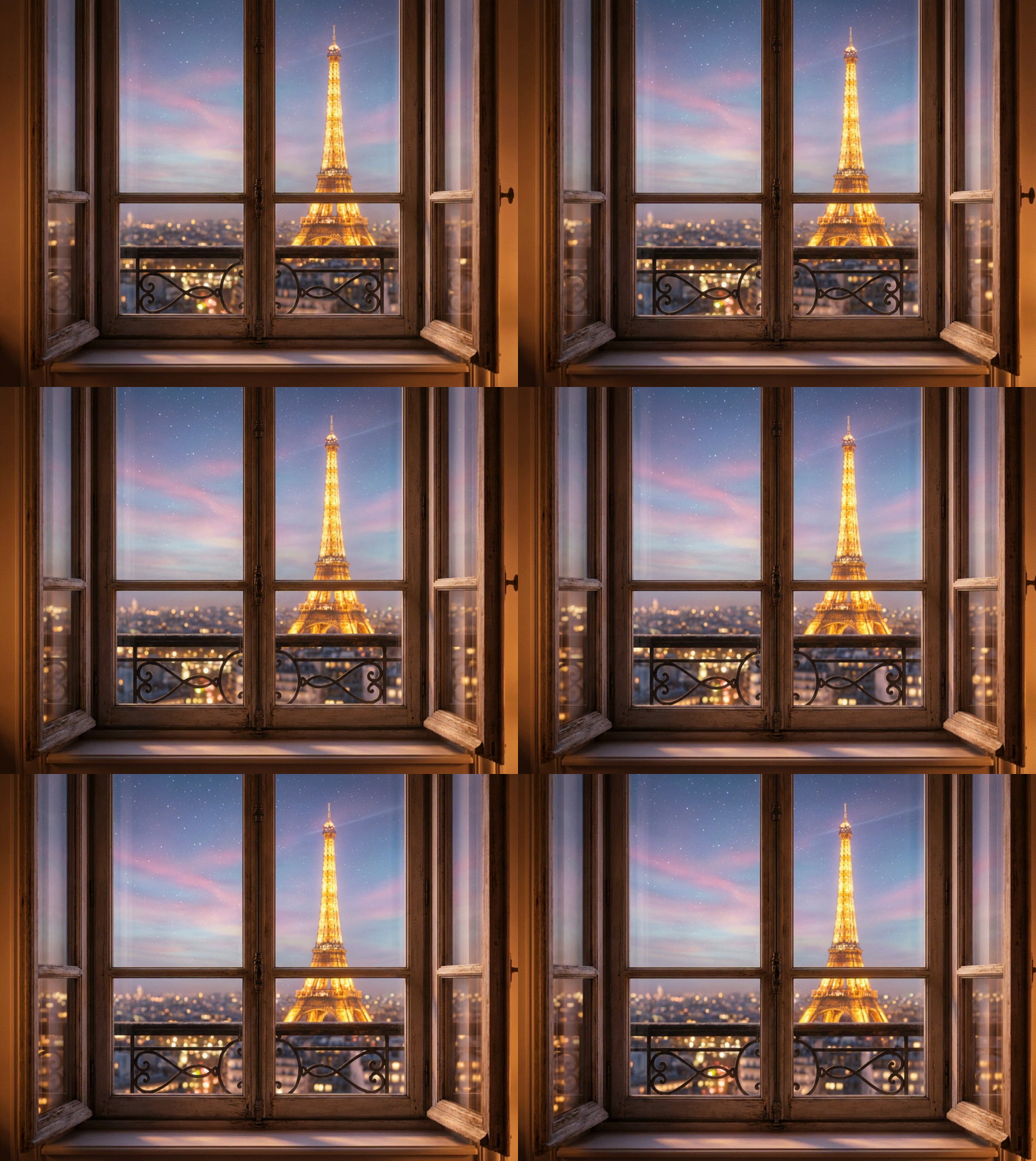
Paris City Night Window
Prompt: Haussmann-style apartment window frame, view of the Eiffel Tower illuminated in the distance at night, soft city lights, romantic and realistic, projection-friendly composition.
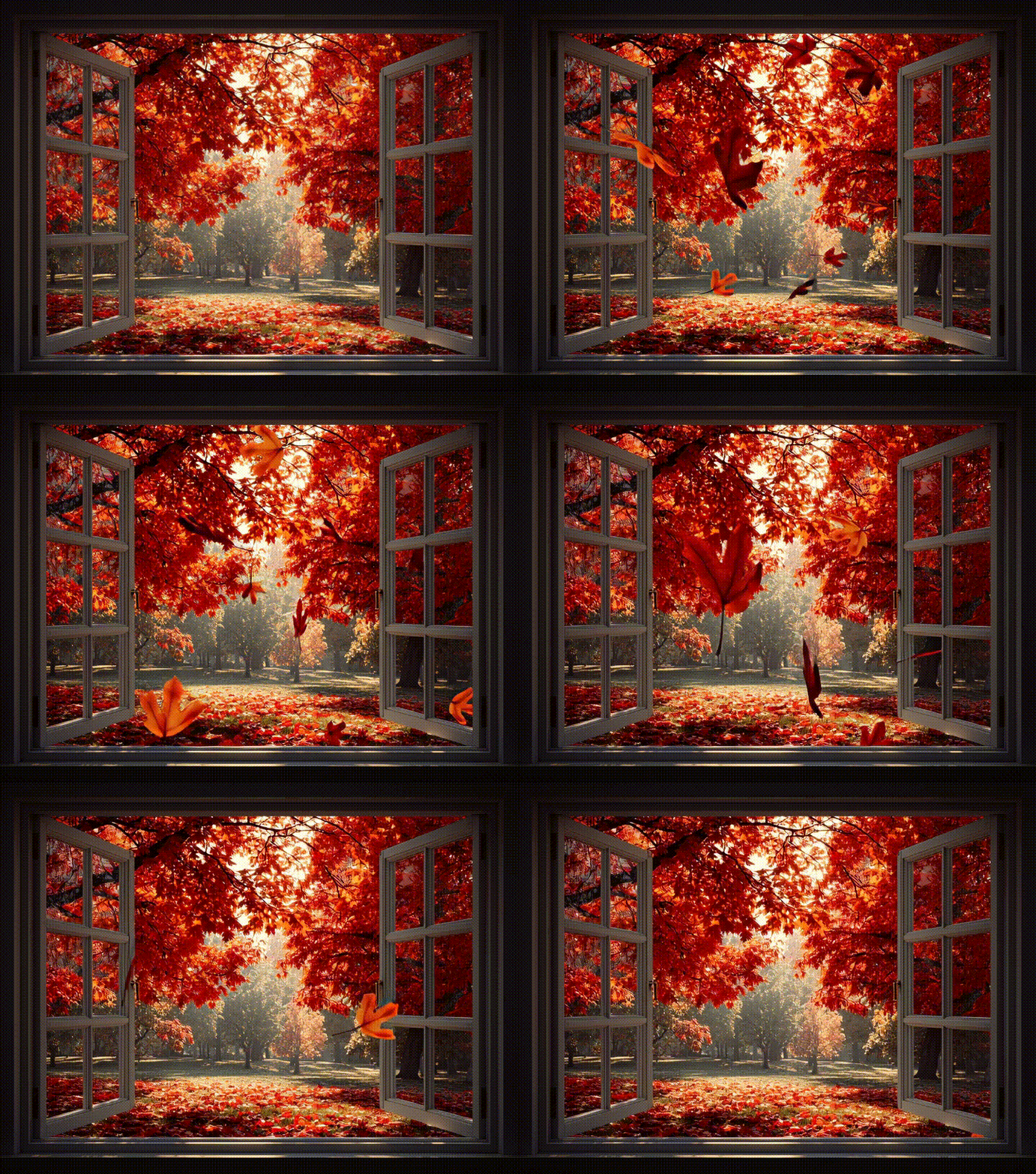
Autumn Park Window
Prompt: Window frame overlooking an autumn park, red and orange leaves, soft sunlight through branches, cozy and ultra-realistic atmosphere, projection-friendly composition.
Prompt Ideas for Fake Window Projector Video Downloads
If you want a downloadable fake window projector video, start with one of these prompts and adjust the room, time of day, and movement. Keep the final output landscape, stable, and loop-friendly.
- Ocean room effect: "wide fake window view of calm ocean waves, white curtains, soft morning light, subtle wave movement, realistic, loopable video, no text."
- Office daylight effect: "modern office window view of green park and blue sky, bright natural daylight, gentle moving leaves, clean realistic frame, projection-ready."
- Cozy rain effect: "apartment window with raindrops on glass, warm indoor light, blurred neon city outside, slow rain movement, cinematic, loopable."
- Basement daylight effect: "large window view of sunny garden, soft breeze in trees, bright but natural light, realistic wall projection composition."
FAQ: Fake Window Projector Videos
What is a fake window projector?
A fake window projector uses a projector, wall or screen, frame, and scenic image or video to create the illusion of a window. It is often used in bedrooms, offices, basements, and windowless rooms.
Where can I get fake window projector videos?
You can use stock video loops, create scenes with AI, or generate a still image and animate it into a loop. iMini AI is useful when you want a custom window scenery video instead of a generic download.
Can I make a fake window projector video download with AI?
Yes. Generate a realistic window scene, animate subtle details, then export and download the video. For projector use, choose HD or 4K output and avoid fast movement.
What scenes work best for bedrooms?
Ocean waves, rainy windows, snowy cabins, warm sunsets, and green forest views usually work best because they are calming and easy to loop.
What scenes work best for offices?
Daylight park views, blue sky, city skyline, mountain mornings, and clean garden views are better for offices because they make the room feel more open and awake.
Copy These Fake Window Video Prompts
Rain Window Loop
Prompt: A realistic fake window view projected on a bedroom wall, gentle rain sliding down the glass, warm indoor light, soft shadows, slow cinematic motion, seamless relaxing video loop.
City Apartment Window
Prompt: A cozy apartment window looking out over a modern city skyline at dusk, tiny moving lights, subtle clouds, realistic projector-friendly framing, calm loop, no text.
Ocean Morning Window
Prompt: A bright fake window opening onto a peaceful ocean sunrise, soft waves, light curtains moving slightly, natural colors, relaxing wall projection video loop.
Create variations in iMini Image, then use the best still frame as a reference for an image-to-video workflow. Related prompt ideas are collected in best Gemini Omni prompts.
Final Thoughts
A strong fake window projector setup is more than a nice picture on a wall. It needs a realistic window frame, a calm video loop, matching room lighting, and a scene that fits the mood of the room. With iMini AI art generator, you can create custom fake window projector videos, download the result, and test different window scenery ideas for bedrooms, offices, basements, and windowless rooms.