
GPT Image 2.5 Filter Prompt:被写体を変えずに写真スタイルを統一する方法
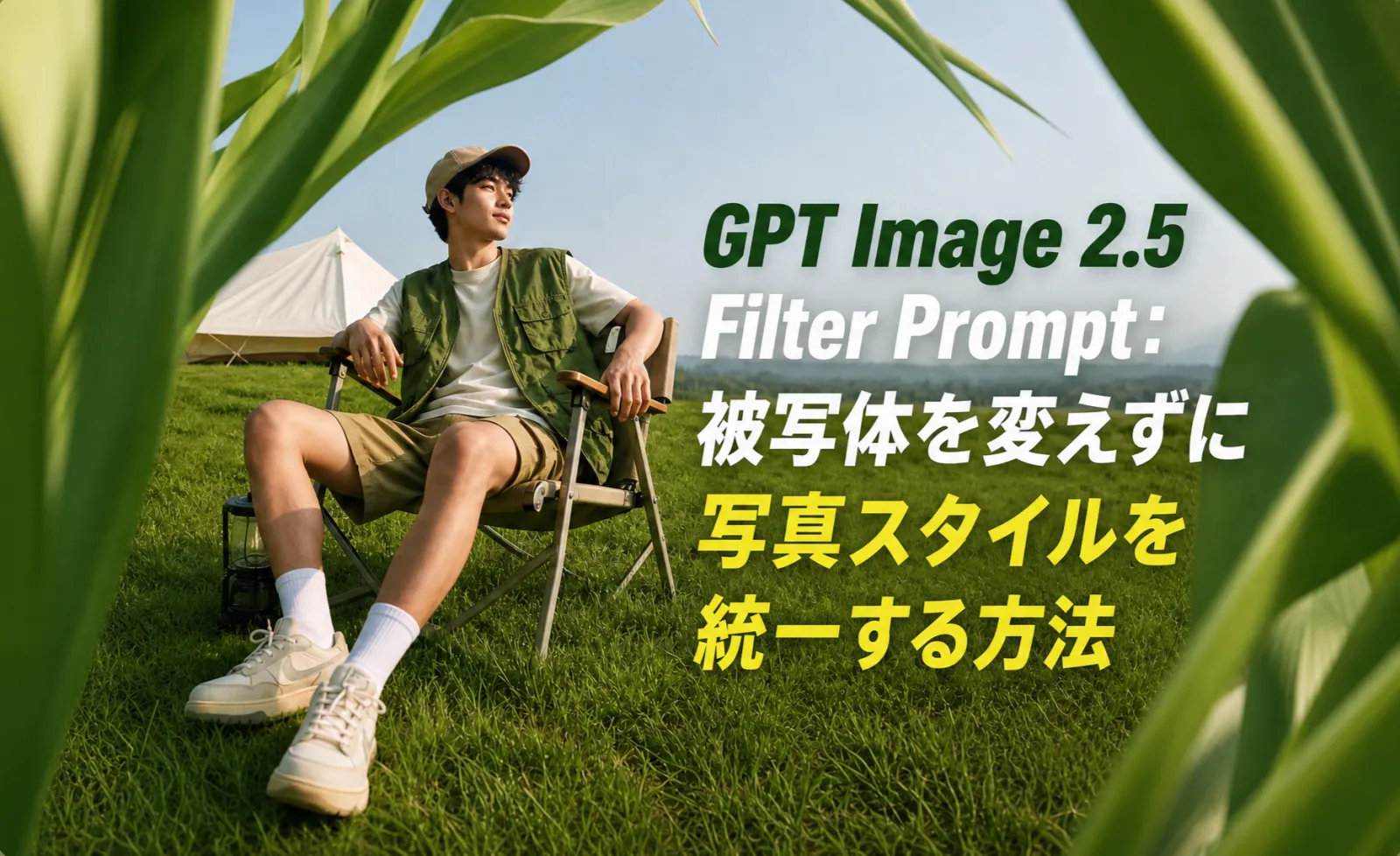
良いGPT Image 2.5 filter promptは、雰囲気、光、色、質感を変えながら、人物や商品の同一性を保つ指示です。
filter promptが失敗する主な理由は、styleだけを書いて、顔、商品、logo、label、compositionを守る指示がないことです。filterは調整レイヤーとして考え、変えてよい部分、変えてはいけない部分、使う場所を分けて書きます。
早わかり
GPT Image 2.5をfilterとして使う場合は、このように書きます。この画像に[filter style]を適用し、[lighting、color、contrast、texture]だけを調整してください。[face、product、logo、shape、text]は変えず、[camera angleとcrop]を保ち、[過度なsmooth、detailの歪み、fake text]を避けてください。
Filter Prompt Formula
| Prompt part | 書く内容 |
| Image role | profile photo、product shot、ad image、blog cover、social post |
| Filter style | studio、cinematic、editorial、film、catalog、neon、minimal luxury |
| Allowed changes | background tone、lighting、color grading、texture、shadow |
| Protected details | face structure、logo、label、product shape、clothing、UI |
| Output use | mobile thumbnail、LP hero、marketplace image、LinkedIn avatar |
| Failure guard | identityを変えない、文字を作らない、edgeを歪めない |
8つのGPT Image 2.5 Filter Prompt
| Filter intent | Promptで指定すること | 変えないこと |
| Clean studio filter | soft box light、neutral background、clean shadow | 顔、商品形状、logo、色 |
| Cinematic filter | directional light、deep contrast、film tone | identity、pose、composition |
| Editorial filter | magazine crop、controlled texture、refined color | 顔立ち、服、商品detail |
| Social pop filter | strong contrast、clean vivid color、mobile crop | subject proportion、readable detail |
| Product catalog filter | even light、accurate color、white/gray surface | package、label、material、scale |
| Film photo filter | natural grain、soft highlight、realistic skin tone | face structure、age impression |
| Neon night filter | neon reflection、dark background、controlled glow | main subject、logo、edge quality |
| Minimal luxury filter | calm background、premium light、negative space | shape、color、visible text |
再利用できるPrompt例
Clean studio: この画像にclean studio filterを適用してください。subject、face structure、product shape、logo、label、color、camera angleは変えず、soft lighting、natural shadow、clean backgroundを改善してください。文字は追加しないでください。
Cinematic: realistic contrast、warm highlight、cool shadow、subtle film textureでcinematic color gradeを適用してください。人物または商品を正確に保ち、顔立ち、商品detail、visible text、compositionは変えないでください。
Social pop: mobile social postで読みやすい画像にしてください。contrastとclarityを上げ、backgroundを簡素化し、subjectを大きく保ち、identityとproduct detailを維持してください。
Identityを保つ方法
顔の場合はface shape、eyes、nose、mouth、hair、age impression、skin tone、expression、pose、camera angleを守ります。商品ではshape、label、logo、material、color、packaging text、proportion、visible UIを守ります。最初の出力でsubjectが変わったら、style wordを足すのではなく編集範囲を狭めます。
SEOとConversionでの使い方
| Page type | Best filter use | Conversion point |
| Blog cover | editorialまたはclean studio | 検索結果とSNSのCTR改善 |
| Product page | catalogまたはminimal luxury | 商品への信頼を高める |
| Ad creative | social popまたはcinematic | テスト用variantを増やす |
| Profile page | soft portraitまたはstudio | 第一印象を良くする |
| Landing page hero | negative spaceのあるminimal luxury | headlineとCTAを置ける |
よくある失敗
1つのpromptにstyle referenceを詰め込みすぎないこと。最終広告テキストを画像内に生成させないこと。商品修正を単なるfilter taskとして扱わないこと。最初は控えめに編集し、1回に1要素だけ改善します。
FAQ
ChatGPT filter promptとは何ですか?
写真のlighting、color、contrast、textureを変えながら、元のsubjectを保つ画像指示です。
AI filterで顔が変わらないようにするには?
face shape、eyes、nose、mouth、hair、skin tone、expression、pose、camera angleを保つと先に書きます。
GPT Image 2.5 filterは商品画像にも使えますか?
使えます。ただしproduct shape、logo、label、color、material、packaging text、proportionを必ず保護します。
広告にはどのfilterが向いていますか?
信頼感ならclean studio、感情ならcinematic、SNSクリックならsocial pop、高級感ならminimal luxuryが向いています。
まとめ
GPT Image 2.5 filter promptはproduction instructionとして書くのが最適です。雰囲気は変えてもidentityは変えず、画像を改善しながらassetとして使える状態を保ちます。