
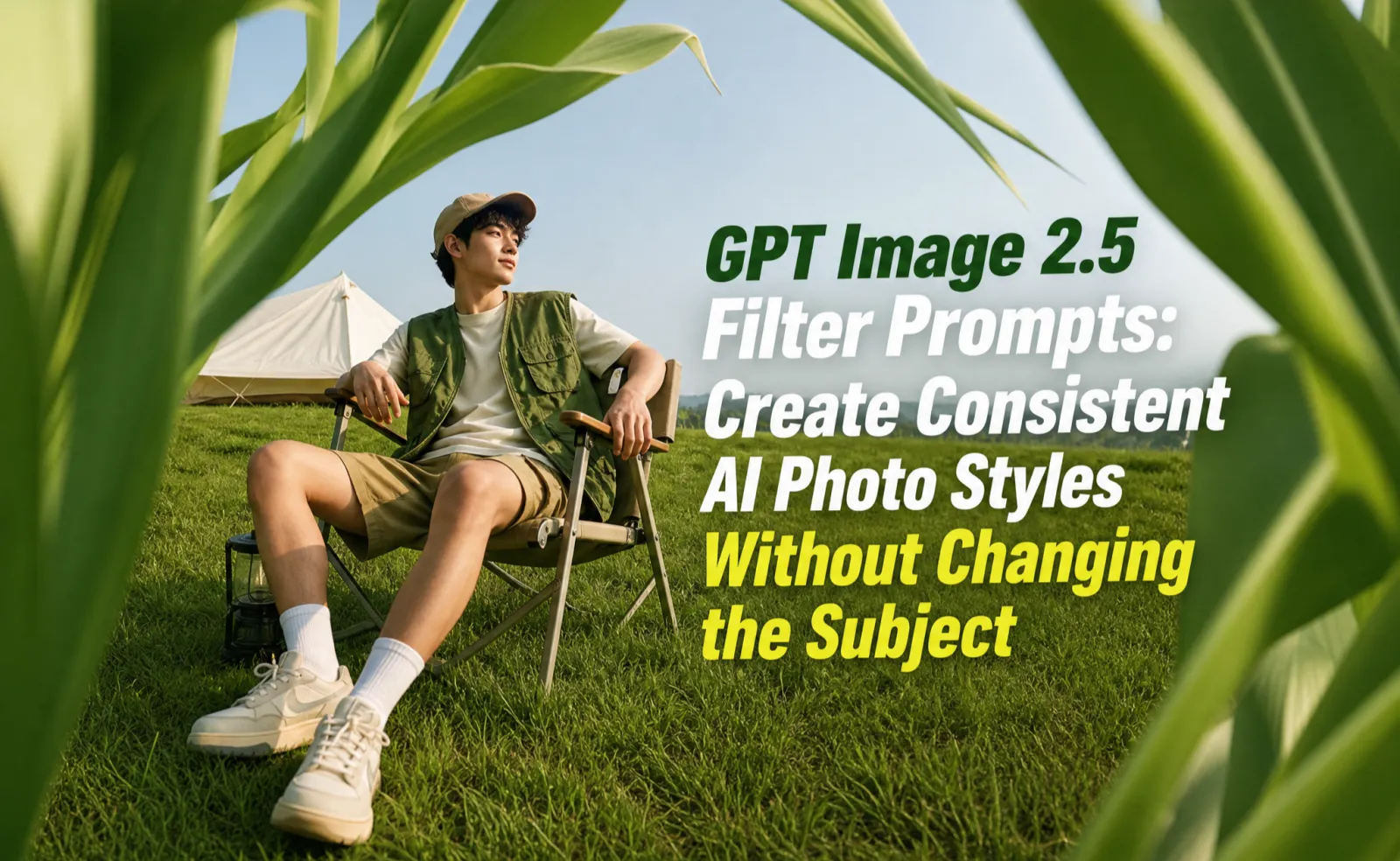
A good GPT Image 2.5 filter prompt changes the mood, lighting, color, and surface treatment while keeping the subject recognizable and commercially usable.
Most filter prompts fail because they ask for a style without protecting the identity of the face, product, logo, label, or composition. Treat the filter as a controlled adjustment layer: define what may change, what must stay unchanged, and where the final image will be used.
Quick Answer
Use this structure: apply [filter style] to this image, adjust [lighting, color, contrast, texture], keep [face/product/logo/shape/text] unchanged, preserve [camera angle and crop], and avoid [over-smoothing, warped details, fake text].
Filter Prompt Formula
| Prompt part | What to write |
| Image role | profile photo, product shot, ad image, blog cover, social post |
| Filter style | studio, cinematic, editorial, film, catalog, neon, minimal luxury |
| Allowed changes | background tone, lighting, color grading, texture, shadow |
| Protected details | face structure, logo, label, product shape, clothing, UI |
| Output use | mobile thumbnail, landing page hero, marketplace image, LinkedIn avatar |
| Failure guard | do not change identity, do not invent text, do not distort edges |
8 GPT Image 2.5 Filter Prompts
| Filter intent | Prompt focus | What must stay unchanged |
| Clean studio filter | Soft box light, neutral background, clear shadow | Face, product shape, logo, color |
| Cinematic filter | Directional light, deeper contrast, film tone | Identity, pose, original composition |
| Editorial filter | Magazine-like crop, controlled texture, refined color | Facial features, outfit, product details |
| Social pop filter | Higher contrast, vivid but clean color, mobile crop | Subject proportions and readable details |
| Product catalog filter | Even lighting, accurate color, white or gray surface | Packaging, label, material, scale |
| Film photo filter | Natural grain, muted highlights, realistic skin tone | Face structure and age |
| Neon night filter | Neon reflections, darker background, glow control | Main subject, logo, edge quality |
| Minimal luxury filter | Calm background, premium lighting, more negative space | Shape, color, visible text |
Reusable Prompt Examples
Clean studio: Apply a clean studio photo filter to this image. Keep the subject, face structure, product shape, logo, label, color, and camera angle unchanged. Improve soft lighting, natural shadows, and background cleanliness. Do not add text.
Cinematic: Apply a cinematic color grade with realistic contrast, warm highlights, cooler shadows, and subtle film texture. Preserve the original person or product exactly. Do not change facial features, product details, visible text, or composition.
Social pop: Make the image more readable as a mobile social post. Increase contrast and clarity, simplify the background, keep the subject large, and preserve the original identity and product details.
How to Preserve Identity
For faces, protect face shape, eyes, nose, mouth, hairstyle, age impression, skin tone, expression, pose, and camera angle. For products, protect shape, label, logo, material, color, packaging text, proportions, and visible UI. If the first output changes the subject, ask for a narrower edit instead of adding more style words.
Best Uses for SEO and Conversion
| Page type | Best filter use | Conversion point |
| Blog cover | Editorial or clean studio filter | Higher search-result and social CTR |
| Product page | Catalog or minimal luxury filter | Clearer product trust |
| Ad creative | Social pop or cinematic filter | More visual variants for testing |
| Profile page | Soft portrait or studio filter | More professional first impression |
| Landing page hero | Minimal luxury filter with negative space | Room for headline and CTA |
Common Mistakes
Do not stack too many style references in one prompt. Do not ask the model to generate final ad text inside the image. Do not use a filter prompt when the real task is product correction. Keep the first edit conservative, then refine one element at a time.
FAQ
What is a ChatGPT filter prompt?
It is an image instruction that changes the look of a photo, such as lighting, color, contrast, or texture, while preserving the original subject.
How do I stop AI filters from changing my face?
Explicitly protect face shape, eyes, nose, mouth, hairstyle, skin tone, expression, pose, and camera angle before describing the filter.
Can GPT Image 2.5 filters work for products?
Yes, as long as the prompt protects product shape, logo, label, color, material, packaging text, and proportions.
What filter works best for ads?
Use clean studio, social pop, cinematic, or minimal luxury filters depending on whether the ad needs trust, speed, emotion, or premium positioning.
Final Takeaway
GPT Image 2.5 filter prompts work best when they behave like production instructions. Change the mood, not the identity. Improve the image, but keep the asset usable.